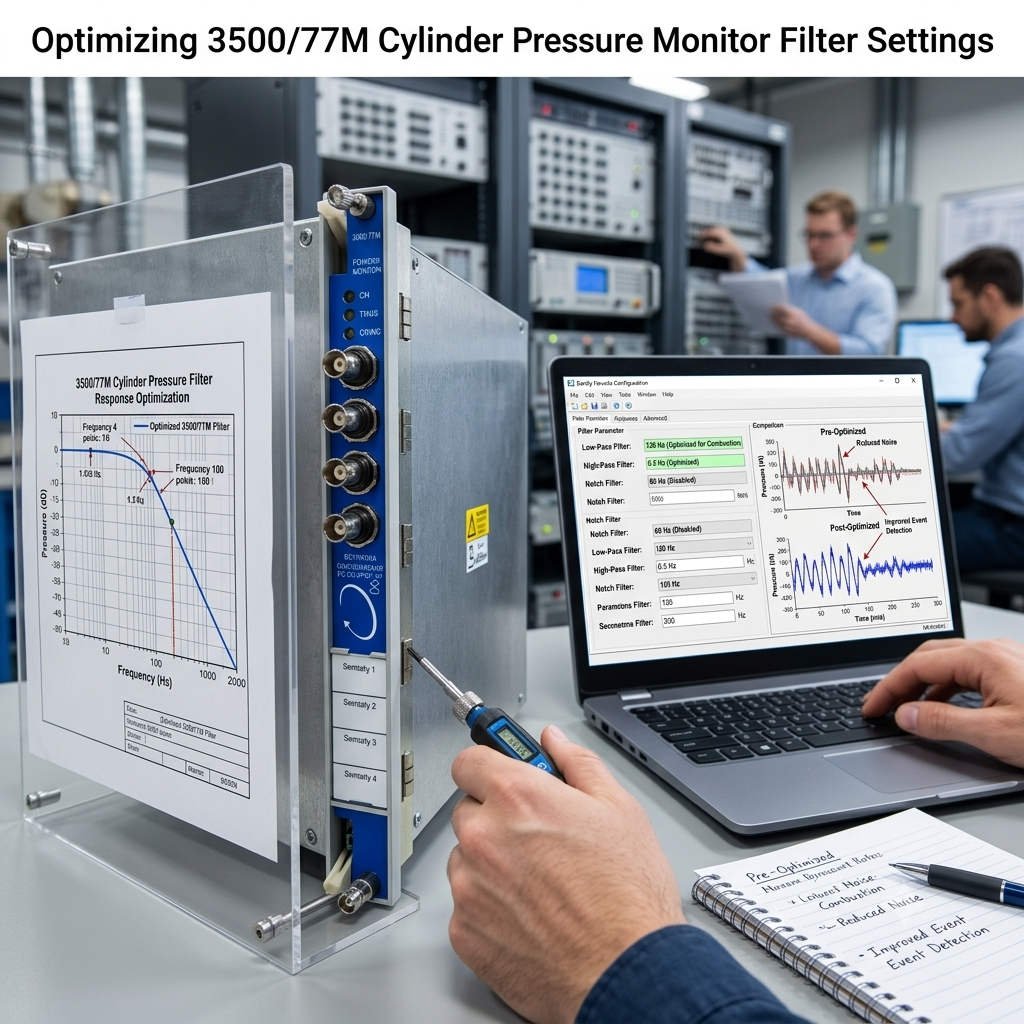
Optimizing 3500/77M Cylinder Pressure Monitor Filter Settings
Optimizing Low-Pass Filter Settings for Bently Nevada 3500/77M Cylinder Pressure Monitors
Enhancing Precision in Reciprocating Compressor Monitoring
The Bently Nevada 3500/77M Cylinder Pressure Monitor is vital for analyzing valve health and volumetric efficiency in industrial automation. However, field engineers often struggle with high-frequency noise that distorts pressure waveforms. Configuring the low-pass filter correctly prevents signal artifacts while preserving critical diagnostic data. At PLCDCS HUB, we emphasize that filter settings directly impact the accuracy of your control systems and predictive maintenance outcomes.

Understanding Dynamic Response and Filtering Needs
Cylinder pressure sensors operate at high dynamic frequencies, capturing everything from valve impacts to mechanical vibrations. Without proper filtering, these secondary signals manifest as noise, hindering your analysis. According to API 618 guidelines, your filter cutoff frequency must align with the compressor’s operating speed. We typically advise a range between 500 Hz and 2000 Hz for high-speed industrial DCS applications. Proper configuration ensures that the PV diagram remains clear, allowing you to identify wear early.
Strategic Steps for Filter Configuration
Follow this procedure within the 3500 Rack Configuration Software to optimize your signal acquisition:
- Access the channel settings via the Module Configuration menu.
- Navigate to the “Signal Conditioning” and “Filter Settings” tabs.
- Select the “Low-pass Filter” option based on your equipment’s RPM.
- Input a cutoff frequency that captures the fundamental pressure frequency effectively.
- Save the configuration and verify the waveform quality in the diagnostic software.
Best Practices for Signal Integrity
Filtering is not a universal cure for poor installation practices. Before adjusting software parameters, you should always investigate the physical layer of your factory automation setup. Ground loops and electromagnetic interference often cause more issues than the sensor signals themselves. We recommend verifying shield integrity and cable routing first to maintain a high signal-to-noise ratio. Reliable hardware installation remains the foundation of any effective machinery protection program.
Expert Commentary on System Reliability
At PLCDCS HUB, we observe that many performance issues stem from ignoring the correlation between mechanical resonance and electrical noise. If you notice waveform clipping or phase distortion after applying filters, your cutoff frequency is likely too restrictive. We suggest validating the waveform across different load conditions to ensure consistent monitoring. For those seeking technical support or specific 3500 system components, explore our solutions at PLCDCS HUB.
Technical Implementation Essentials
- ⚙️ Conduct FFT spectral analysis to identify primary noise frequency bands.
- 🔧 Use stainless steel clamps to secure cables every 300-500 mm.
- ✅ Install surge protection devices in lightning-prone industrial environments.
- ⚙️ Maintain consistent ground connections to avoid unwanted signal fluctuations.
- 🔧 Perform periodic baseline checks to detect subtle sensor degradation over time.
Frequently Asked Questions
Q1: How do I determine the ideal cutoff frequency for my compressor?
Start by calculating the fundamental running frequency and multiply it by a factor of 10 to 20. If noise persists, use a spectrum analyzer to find the frequency range of the interference and set your filter just below that point.
Q2: Can I use the low-pass filter to mask sensor hardware failures?
No, using a filter to smooth out a failing sensor signal is dangerous. It masks legitimate mechanical issues and leads to catastrophic failures. Always ensure your sensor is healthy before tweaking software filters.
Q3: What should I consider when upgrading to a newer 3500/77M revision?
Always verify the firmware compatibility with your existing rack modules. When sourcing units from providers like PLCDCS HUB, confirm the hardware revision to ensure seamless integration and consistent data reporting across your monitoring network.