






Description
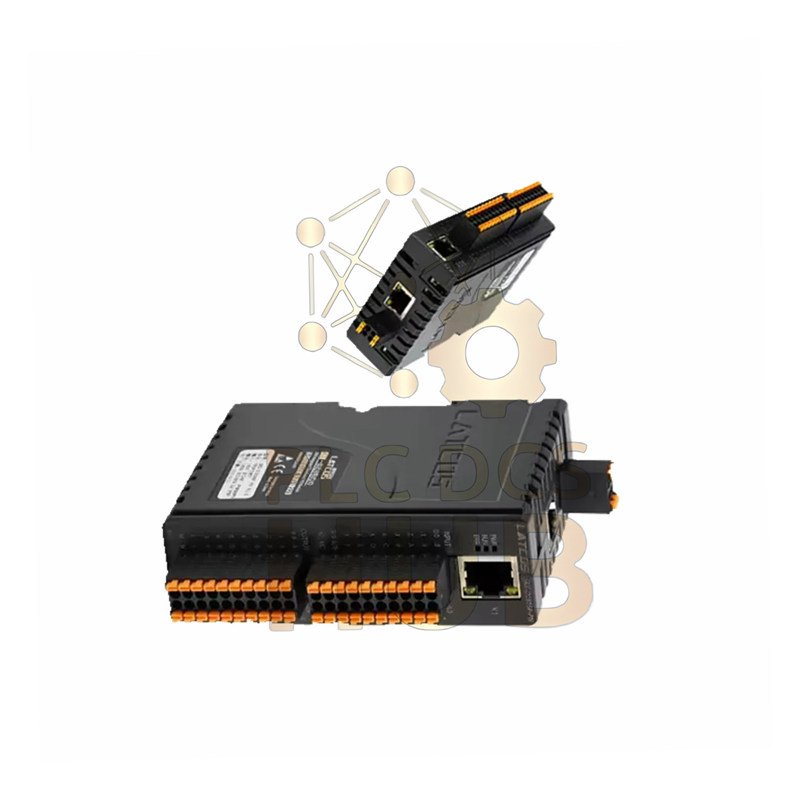
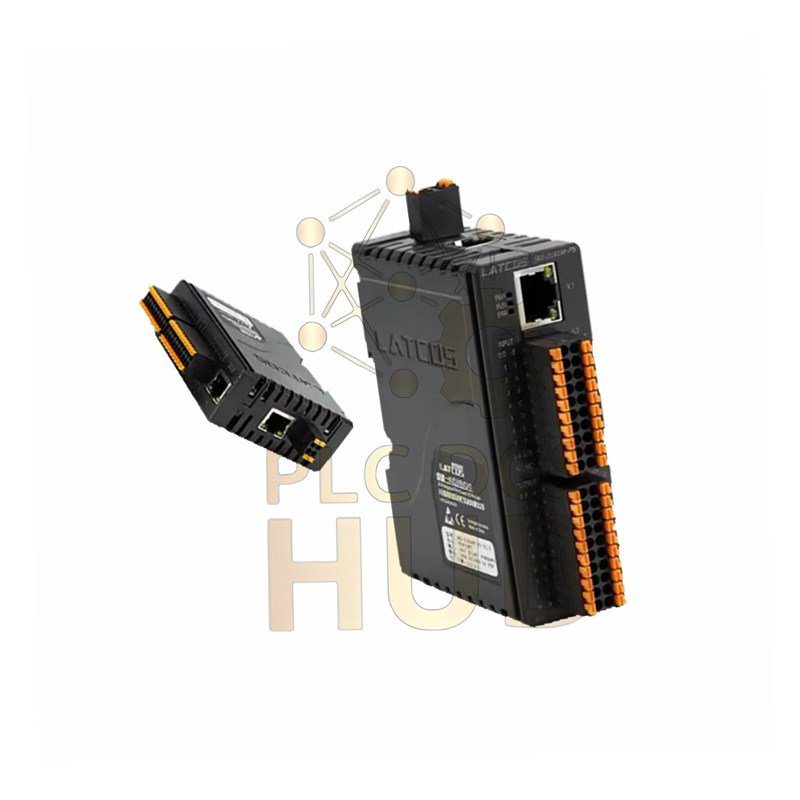
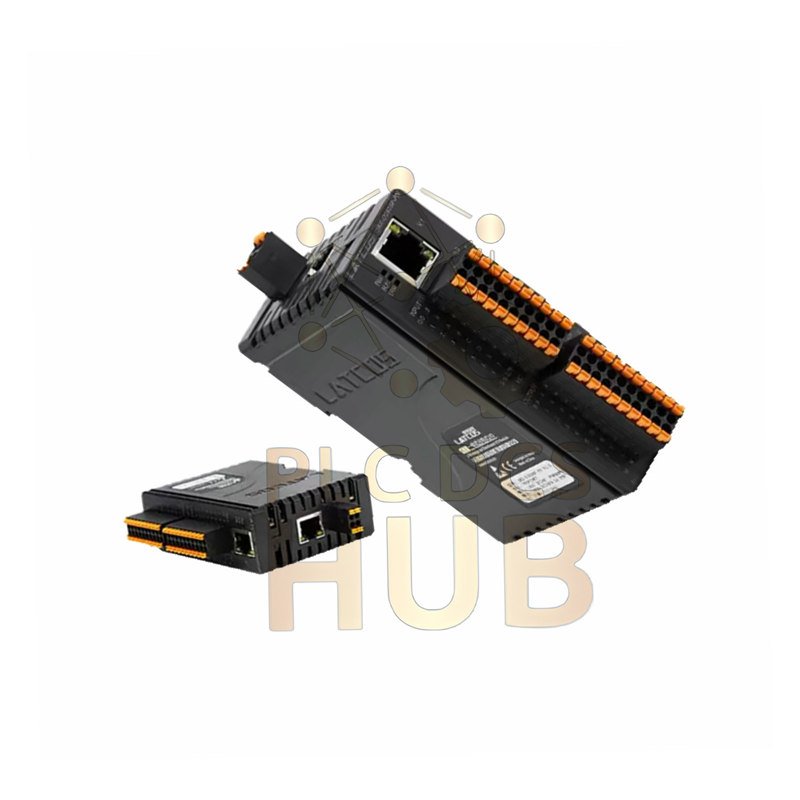
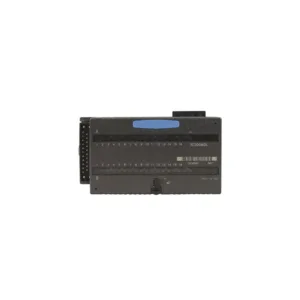
Flexem FR-D0016P Relay Module: Powerful 16-Channel Control
Control more devices with the Flexem FR-D0016P. This module gives your PLC system 16 strong relay outputs. It switches lights, contactors, and motors up to 2A each. It is reliable, easy to install, and perfect for industrial machines.
Key Product Advantages
- High Power Switching: Each relay handles 2 Amps at 250V AC, perfect for direct device control.
- Full Visual Status: 16 clear LED lights show every output’s ON/OFF state instantly.
- Compact Industrial Design: Slim 18mm width saves panel space on standard DIN rails.
- Wiring Made Simple: Sturdy screw terminals ensure safe and secure electrical connections.
- Instant Compatibility: Connects directly to Flexem PLCs and other control systems.
Complete Technical Specifications
- Manufacturer & Model: Flexem FR-D0016P Digital Output Module
- Module Type: 16-Point Relay (PNP) Output Module
- Output Configuration: 16 independent relay channels (Form A contacts)
- Contact Rating per Point: 2A @ 250V AC / 30V DC maximum load
- Max Current (Single Channel): 1000mA continuous
- Max Simultaneous Current (All Channels): 500mA total for system safety
- Switching Frequency: Up to 10 operations per second
- Contact Life: Mechanical: 10 million operations. Electrical: 100,000+ at rated load
- Isolation Voltage: 1500V AC between field side and logic side
- Operating Voltage Range: 24V DC (±15%) via backplane
- Power Consumption: Approx. 1.5W from the backplane
- Response Time: Turn-on <8ms, Turn-off <5ms
- Operating Temperature: Stable from -10°C to +60°C
- Storage Temperature: Safe from -25°C to +75°C
- Relative Humidity: 5% to 95% (non-condensing)
- Vibration Resistance: Up to 2G (10-150Hz) for harsh environments
- Shock Resistance: Withstands 10G for 11ms duration
- Noise Immunity: High immunity to industrial electrical noise (1000V surge)
- Mounting: Standard 35mm DIN Rail (EN 60715)
- Physical Dimensions: 111mm (W) x 76mm (H) x 18mm (D)
- Module Weight: Lightweight at only 65 grams
Easy 4-Step Installation
- Ensure the main system power is OFF before starting.
- Snap the FR-D0016P module onto a 35mm DIN rail.
- Connect the flat ribbon cable from the PLC CPU to the module.
- Secure your field device wires (load, power) to the numbered output terminals.
Reliable Support & Warranty
- Quality Certification: Designed to meet CE and industrial EMC standards.
- What’s in the Box: 1x FR-D0016P Module, 1x User Quick Guide.
- Our Promise: All products include a solid 12-month warranty.
- Fast Global Delivery: Shipped quickly via FedEx, UPS, or DHL.
Common Uses in Automation
- Controlling conveyor belt motors and indicator lights.
- Operating solenoid valves for air or water control.
- Switching ON/OFF for small heaters or fans.
- Activating alarms, horns, and warning beacons.
- Managing multiple stages in a packaging machine.
Built-in Diagnostics & Monitoring
- Each of the 16 points has a bright green status LED.
- Quickly identify if a command is sent, even if the load fails.
- The module’s health is monitored by the main PLC system.
Expert Questions Answered
Can this module control both AC and DC devices?
Yes. The relay contacts are like a simple switch. They can control either AC or DC power within the rated voltage and current limits.
What is the difference between “single channel” and “simultaneous” current?
“Single channel” means one output’s maximum load. “Simultaneous” is the safe total current if all 16 outputs are ON at the same time, limited by the module’s internal power supply.
Do I need an external power supply for the devices I’m switching?
Yes. This module only provides the switch (relay contacts). You must provide a separate power supply for the lights, valves, or motors you are controlling.
How do I protect the relay when switching an inductive load like a motor coil?
Always use a protective device. For DC loads, connect a diode (like 1N4007) in reverse parallel across the coil. For AC loads, use an RC snubber circuit. This absorbs voltage spikes.
One relay stopped working. What should I check first?
First, check the LED. If it’s ON, use a multimeter to test for voltage at the output terminals. If there’s no voltage, the relay contact may be worn. You can simply move your wire to one of the other 15 spare channels in your program.
Copyright © 2025 PLCDCS HUB Limited. All rights reserved.
Partner: Powergear X Automation Limited
Contact: +86 158 8020 0923 | sales@plcdcshub.com


0.0 Average Rating Rated (0 Reviews)