




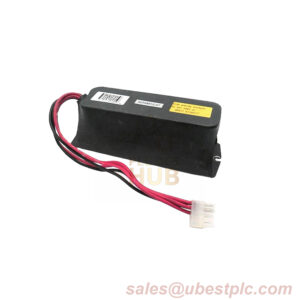
Description
Product Introduction
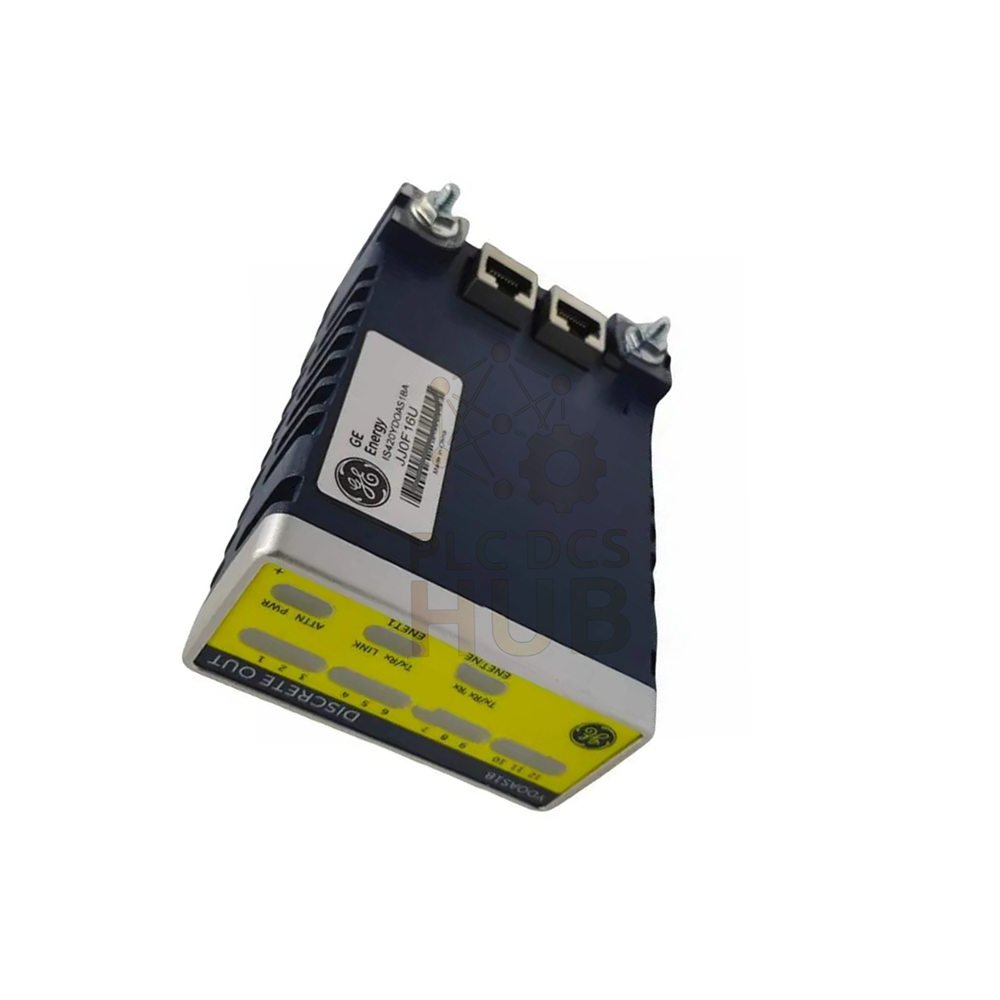
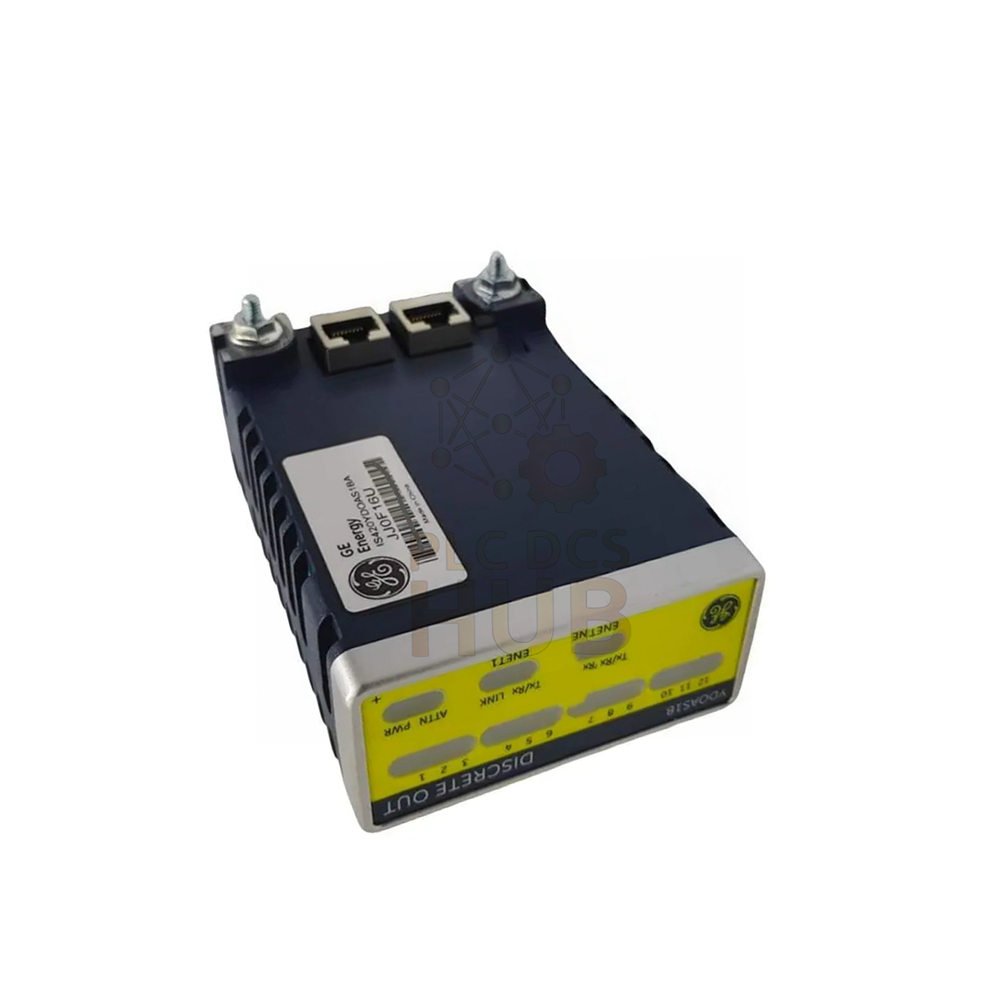
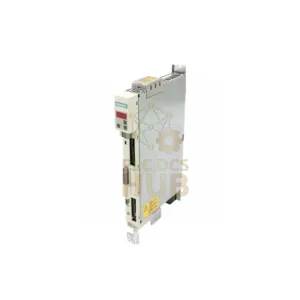
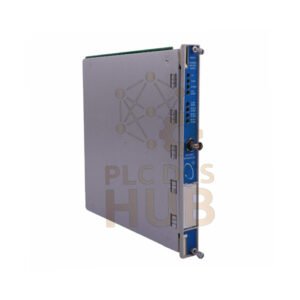
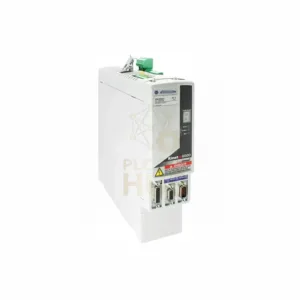
GE IS420YAICS1B is an Analog I/O Module for the Mark VIeS control system.
Specifically, it connects one or two Ethernet networks to an analog terminal board.
Furthermore, this I/O pack supports simplex or TMR redundancy setups.
As a result, it is ideal for gas, steam, and wind turbine control applications.
Consequently, it delivers precise signal conversion with a 16-bit ADC resolution.
Additionally, it works reliably in harsh environments from -40°F to 158°F.
Key Features at a Glance
- 10 analog inputs – first 8 configurable as ±5V, ±10V, or 4-20mA
- Last 2 inputs – configurable as ±1mA or 4-20mA
- Dual 0-20mA current loop outputs – for easy system interfacing
- Two RJ-45 Ethernet ports – ENET1 and ENET2 provide redundancy
- DC-37 pin connector – enables direct attachment to the terminal board
- LED indicators – offer real-time status and fault diagnosis
- Three-pin power input – delivers 28V dc with soft-start inrush control
- Hardware + software filters – single-pole hardware (500 rad/s) + 2-pole software (0.75 to 12 Hz)
- High accuracy – achieves 0.1% of full scale
- Common mode rejection – provides 60 dB at 60 Hz, handling up to ±5V common mode voltage
Technical Specifications
Brand: General Electric
Model: IS420YAICS1B
Series: Mark VIeS Safety Control
Analog Inputs
- Total channels: 10
- Channels 1-8: ±5V, ±10V, or 4-20mA loop
- Channels 9-10: ±1mA or 4-20mA current
Outputs
Dual 0-20mA current loop outputs
Resolution
16-bit ADC converter
Measurement Accuracy
0.1% of full scale
Temperature Range
Ambient: -40°F to 158°F (-40°C to 70°C)
Noise Rejection
- Hardware filter: single-pole, starts at 500 rad/s
- Software filter: two-pole low-pass, adjustable to 0.75, 1.5, 3, 6, or 12 Hz
- CMR: 60 dB at 60 Hz, ±5V common mode voltage limit
Power
- Consumption: 5.3 W typical
- Input: 28V dc via 3-pin connector
Processor Board
BPPC
Compatible Firmware
V05.01 or later
Software Compatibility
ControlST V06.01 and later
Manual
GEH-6855 Vol I and II
Dimensions
H 3.25 in x W 1.65 in x D 4.78 in
Country of Manufacture
United States (USA)
Installation Guide
- First, securely mount the TBAISIC or STAIS#A terminal board.
- Next, insert one simplex YAIC pack or three TMR packs into the terminal board connectors.
- Then, use the threaded studs next to the Ethernet ports to secure the packs.
- After that, align the bracket so no right-angle force applies to the DC-37 connector.
- Now, connect one or two Ethernet cables. Notably, ENET1 typically goes to the R controller network.
- Finally, plug in the 28V dc power connector – no need to disconnect power due to soft-start.
- After installation, configure the I/O pack using ToolboxST.
Debugging & Maintenance Convenience
- LED indicators show operational status for quick troubleshooting.
- Likewise, a power-up self-test checks flash, RAM, processor hardware, and Ethernet ports.
- Moreover, continuous monitoring of internal power supplies ensures correct operation.
- Additionally, diagnostic fault detection is handled entirely by the acquisition board.
- Consequently, no special tools are required for pack replacement.
Compatibility Notes
- Works with TBAISIC and STAIS#A terminal boards.
- However, do not mix YAICS1A and YAICS1B on the same T-type terminal board.
- For TMR sets: all three I/O packs must be the same hardware version.
- Simplex: uses one I/O pack with one or two IONet connections.
- In contrast, TMR: uses three I/O packs, each with a separate IONet connection.
- Therefore, firmware V05.01 or later is required – update via ToolboxST.
- Finally, not compatible with YAICS1A on the same board.
Certifications & Environmental Performance
- Built for industrial turbine control environments.
- Operates reliably from -40°F to 158°F.
- Includes robust noise suppression for clean signals.
- Provides high common mode rejection for electrical noise immunity.
- Manufactured in the USA to GE quality standards.
Packing List & Warranty
Included in box
- One GE IS420YAICS1B Analog I/O Pack
- No cables or terminal boards included (sold separately)
Warranty
12 months warranty from date of shipment. Specifically, it covers manufacturing defects and normal use failures.
Shipping Methods
- FedEx – priority and economy options
- UPS – worldwide tracking available
- DHL – express delivery for urgent needs
Typical Applications
- Gas turbine control systems
- Steam turbine monitoring
- Wind turbine pitch and yaw control
- Industrial process automation
- Safety-critical analog signal acquisition
- Redundant I/O setups in power plants
Diagnostic Capabilities
- Power-up self-test – checks flash, RAM, processor, Ethernet ports
- Continuous supply monitoring – internal power rails verified
- LED fault indication – visual alert for module issues
- Software diagnostics – available via ToolboxST
- Acquisition board handles fault detection – separate from processor
FAQ – Frequently Asked Questions
Q1: Can I use IS420YAICS1B with YAICS1A on the same terminal board?
A1: No. Do not mix YAICS1A and YAICS1B on the same T-type terminal board.
Q2: What is the difference between simplex and TMR configuration?
A2: Simplex uses one I/O pack. In contrast, TMR uses three packs for triple redundancy.
Q3: What firmware version does this module require?
A3: It requires firmware V05.01 or later. Specifically, V04.06 or earlier is not supported.
Q4: Is this module compatible with ControlST V05?
A4: No. It requires ControlST V06.01 or later.
Q5: How do I update the firmware?
A5: Use ToolboxST application to upgrade to V05.01 or higher.
Q6: What happens if I connect power while the cable is live?
A6: It is safe. The pack has soft-start to control inrush current.
Q7: Can I use only one Ethernet port?
A7: Yes. The pack works with one or two ports.
Q8: What is the typical power consumption?
A8: 5.3 watts typical.
Q9: Does this module support 4-20mA on all ten inputs?
A9: No. First eight support 4-20mA. Last two support ±1mA or 4-20mA.
Q10: What terminal boards work with IS420YAICS1B?
A10: It works with TBAISIC and STAIS#A terminal boards.
Experience-Based Q&A
Q11: I see fluctuating signals in noisy environments. What filters should I use?
A11: Start with the hardware filter (500 rad/s). Then adjust the software filter between 0.75 to 12 Hz based on your noise frequency.
Q12: Can I hot-swap this I/O pack?
A12: The design allows safe insertion with power applied due to soft-start. However, avoid frequent hot-swap to maintain connector life.
Q13: Which Ethernet cable type works best?
A13: Use shielded CAT5e or CAT6 cables for industrial noise immunity.
Q14: My pack fails self-test on RAM. What should I do?
A14: Power cycle once. If the problem persists, replace the pack – it likely has an internal processor board issue.
Q15: How long does installation take for a trained technician?
A15: About 10-15 minutes for simplex setup. For TMR including cabling, allow 30 minutes.
Purchasing Guidance
- Choose simplex for non-critical monitoring to save cost.
- Alternatively, choose TMR for safety-critical or high-availability turbine control.
- First, verify your terminal board is TBAISIC or STAIS#A before buying.
- Next, check your ControlST version – it must be V06.01 or later.
- Also, confirm the firmware requirement – V05.01 or later – update through ToolboxST.
- Need 11 mm Proximity Probes? Click here: 11 mm Proximity Probes
- Finally, order a spare unit to reduce downtime in critical applications.
- Contact us for bulk discounts or customized shipping arrangements.
Contact Information
For inquiries, please contact:
+86 158 8020 0923 – Click to chat on WhatsApp
Copyright & Partners
Copyright © 2026 PLCDCS HUB Limited. All rights reserved.
Original Source: https://plcdcshub.com/
Partner: Powergear X Automation Limited
Partner: Oiltech Controls Limited
0.0 Average Rating Rated (0 Reviews)