




Description
Product Introduction
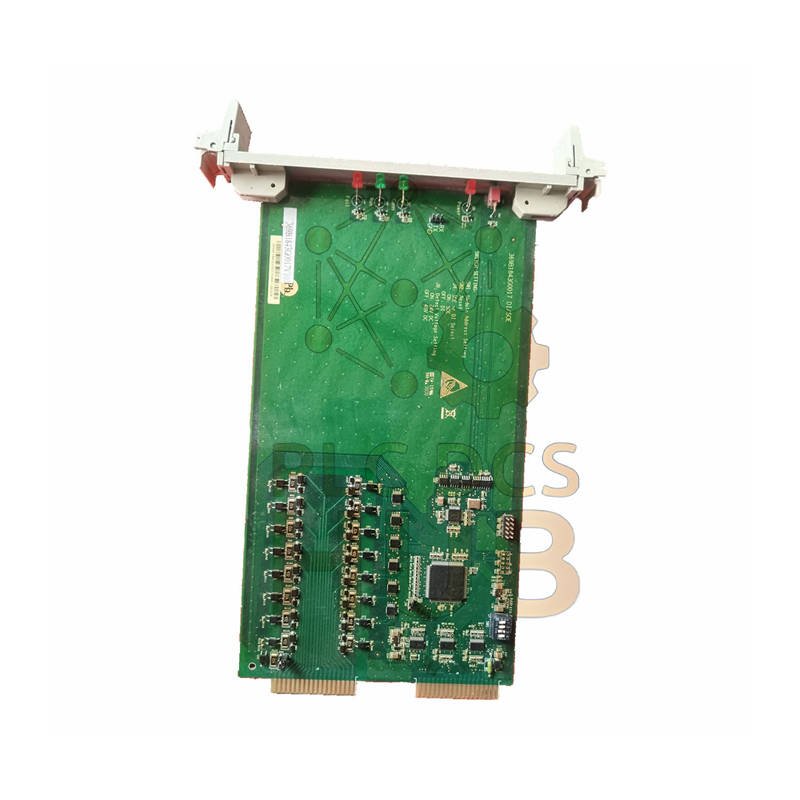
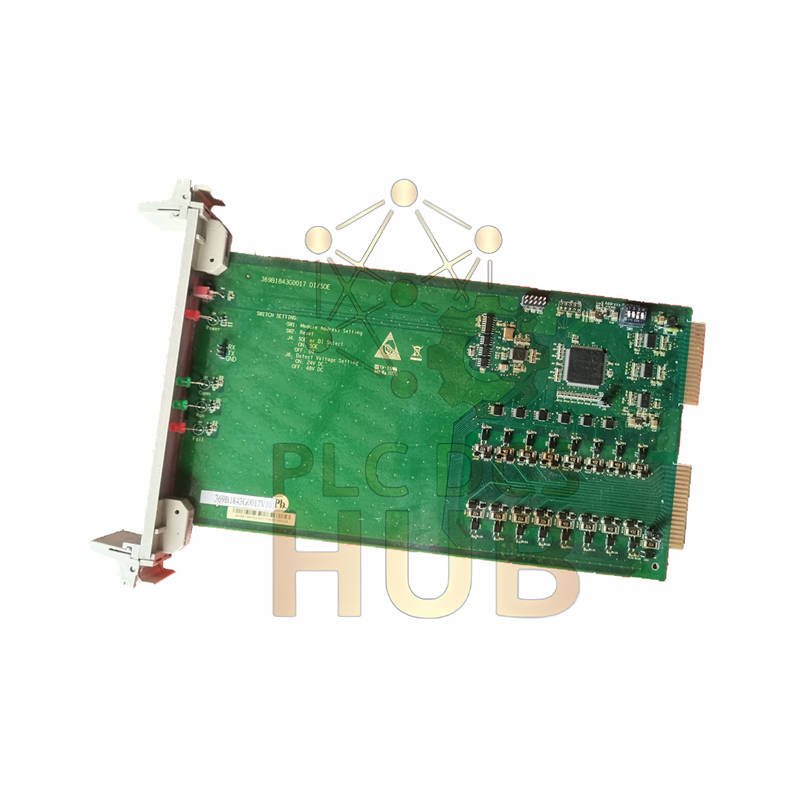
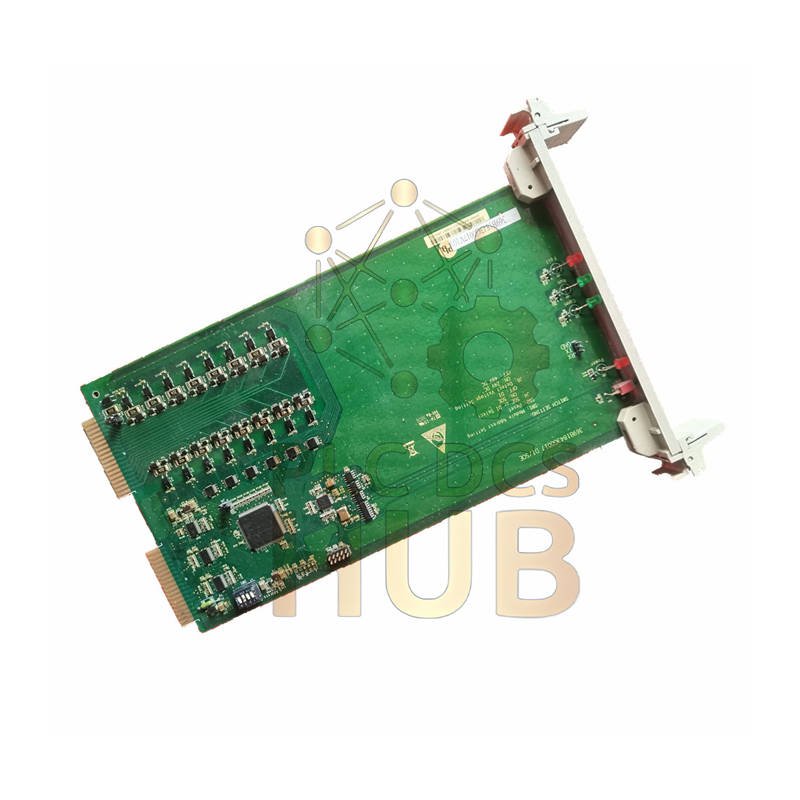
This is a genuine GE Nexus 369B1844G0019 Digital Output (DO) module. It fits the XDPS-400e I/O pack. This card provides reliable switching for industrial devices. It turns control logic into physical action. Use it to command motors, valves, and alarms.
Technical Specifications
- Brand: GE (General Electric)
- Model: 369B1844G0019
- Series: Nexus XDPS-400e
- Type: Digital Output (DO) Card
- Output Configuration: Relay or solid-state contacts
- Channel Count: Refer to specific module labeling
- Load Rating: Varies by output type (see manual)
- Isolation: High-performance optical isolation
- System Compatibility: GE Nexus/XMark control systems
- Operating Temperature: 0°C to 60°C (32°F to 140°F)
- Noise Immunity: High EMI/RFI rejection for stable operation
Installation & Setup
- Power down the XDPS-400e I/O pack first.
- Insert the module into an available slot.
- Lock the module firmly using the ejector lever.
- Connect your field wiring to the terminal points.
- Configuration is done through the system engineering software.
Service & Warranty
- Warranty: Full 12-month replacement warranty.
- Shipping: Worldwide via FedEx, UPS, DHL.
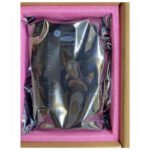
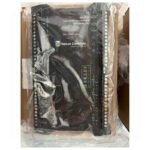
- Packaging: Securely shipped in anti-static packaging.
- Certifications: Meets original GE industrial standards.
Where to Use This Module
- Starting and stopping industrial motors.
- Controlling hydraulic or pneumatic valves.
- Activating alarm horns and warning lights.
- Automated batch process sequencing.
- Safety system interlocks.
Diagnostics & FAQ
Built-in Diagnostics:
Module status is reported to the control system. Engineers can see each output’s state. The system alerts for common faults like wire breaks.
Q: What condition is this module in?
A: We supply tested, working units. They come from maintained systems. Performance is verified before shipping.
Q: Does it include a connector or rack?
A: No. This listing is for the output card only. The XDPS-400e I/O pack is separate.
Q: How do I know if it will work with my controller?
A: This module requires a GE Nexus XDPS-400e I/O pack. Please check your system’s hardware configuration.
Q: What is a frequent installation error?
A: Not locking the module completely. Always push the orange ejector lever until it clicks. This ensures good contact.
Q: The output seems stuck. How can I check it?
A: First, check the command signal in the software. Then, with power off, use a meter to test the output contacts for continuity or resistance. Compare to a known good channel.
Copyright © 2025 PLCDCS HUB Limited https://plcdcshub.com/. All rights reserved.
Partner: Powergear X Automation Limited https://www.powergearx.com/
Contact: Phone: +86 158 8020 0923 | Email: sales@plcdcshub.com



0.0 Average Rating Rated (0 Reviews)