

Description
Product Description
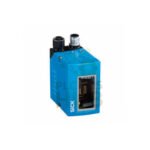
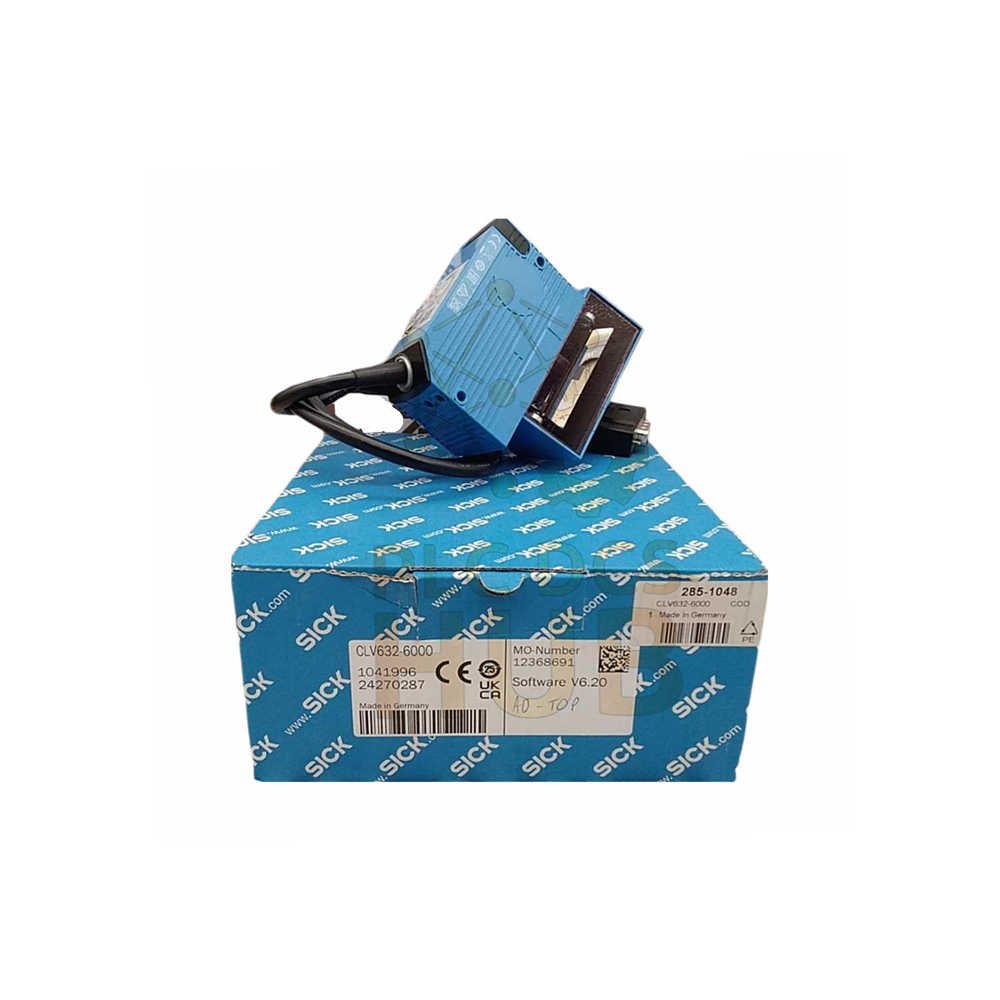
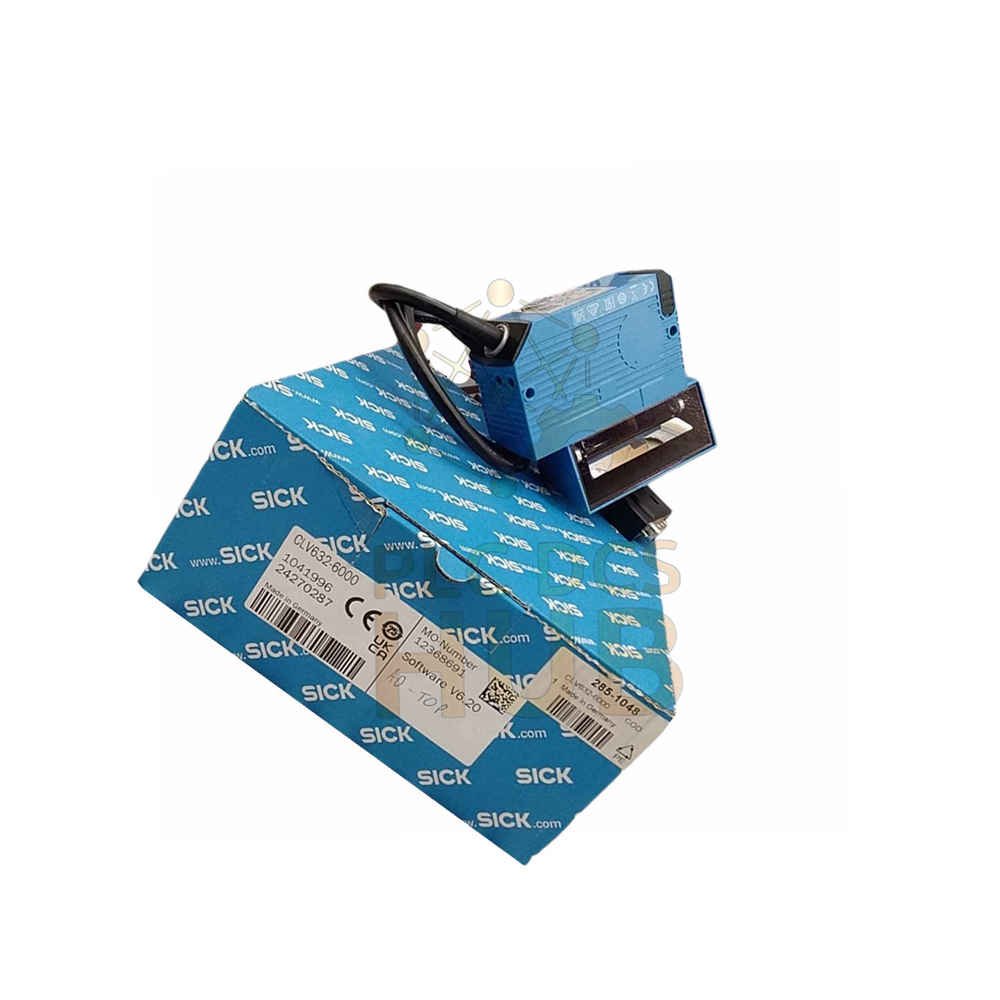
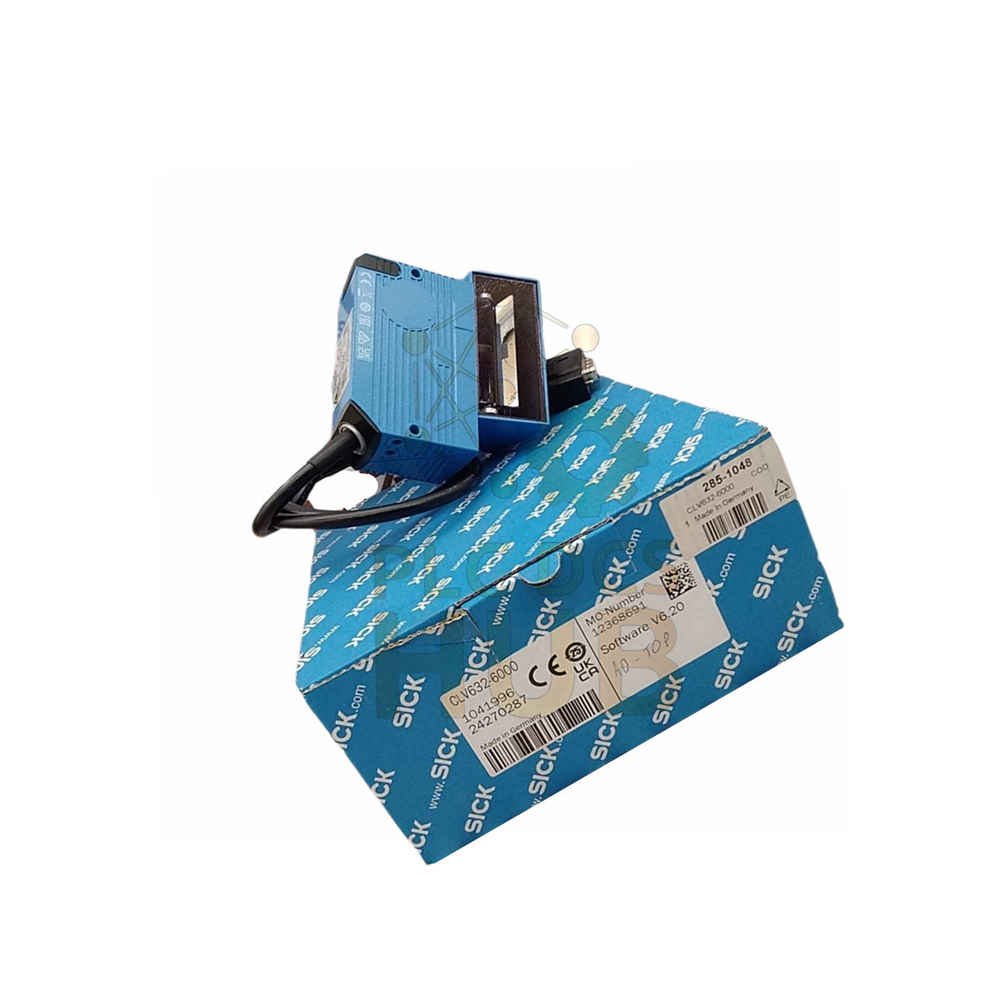
The SICK CLV632-6000 is a short range barcode scanner from the CLV63X series. It reads 1D codes from 45 to 245 mm away. This device connects directly to PROFINET networks. The scanner uses a visible red laser for easy aiming.
What This Scanner Does
– Reads all common 1D barcode types – Works at distances from 45 mm to 245 mm – Scans up to 1,200 times per second – Connects to PROFINET, Ethernet, CAN, or serial – Covers codes with resolution from 0.2 to 0.5 mm
Key Features at a Glance
– Short range: 45 to 245 mm reading distance – Laser class 2 (safe for eyes) – Oscillating mirror with adjustable angle – Scanning frequency up to 1,200 Hz – IP65 rated aluminum housing – 655 nm visible red laser – PROFINET ready (external module) – 100,000 hours MTBF
Technical Specifications
– Brand: SICK – Model number: CLV632-6000 – Series: CLV63X – Product type: Barcode Scanner – Version: Short Range – Reading distance: 45 mm to 245 mm – Scanning frequency: 400 Hz to 1,200 Hz – Code resolution: 0.2 mm to 0.5 mm – Aperture angle: ≤ 50° – Light source: Laser, visible red, 655 nm – Laser class: Class 2 – Supply voltage: 18 V DC to 30 V DC – Power consumption: 6 W – Housing material: Aluminum die cast – Housing color: Light blue (RAL 5012) – Window material: Glass – IP rating: IP65 – Weight: 420 g (with cable) – Dimensions (LxWxH): 95 x 107 x 41 mm – MTBF: 100,000 hours – MTTF (laser diode): 40,000 hours
Model Number Breakdown
 CLV632-6000 │ │
└─ 6000 = Specific variant (PROFINET ready) │
└───── 632 = Short range, oscillating mirror
└───────── CLV = Code Reader, Linear scanner, Visible laser
Reading Performance
– Readable codes: All 1D codes – Code types supported: Code 39, Code 128, Code 93, Codabar, GS1-128, UPC/EAN, Interleaved 2 of 5, Pharmacode, GS1 DataBar, Telepen, MSI/Plessey – Print ratio: 2:1 to 3:1 – Codes per scan (standard): 1 to 20 – Codes per scan (SMART): 1 to 6 – Codes per reading interval: 1 to 50 – Characters per interval: 5,000 – Multiple readings: 1 to 99
Oscillating Mirror Functions
– Fixed mode: Adjustable position – Oscillating mode: Variable or fixed amplitude – One shot mode: Single scan – Oscillation frequency: 0.5 Hz to 6.25 Hz – Deflection angle: -20° to +20° – Angle covers wider scan area
Interfaces and Communication
PROFINET: – Optional via external fieldbus module CDF600-2 – Single port or dual port available
EtherCAT:
Optional via external fieldbus module CDF600
Serial (RS-232, RS-422, RS-485):
Data interface for read results
Service interface for configuration
Baud rate: 2,400 to 115.2 kBaud
CAN and CANopen:
SICK CAN sensor network
Data rate: 20 kbit/s to 1 Mbit/s
PROFIBUS DP:
Optional via CDF600-2 module
Inputs and Outputs
Digital inputs: 4 total – “Sensor 1” and “Sensor 2” (dedicated) – 2 additional via CMC600 in CDB620/CDM420
Digital outputs: 4 total
“Result 1” and “Result 2” (dedicated)
2 additional via CMC600 in CDB620/CDM420
Reading pulse sources:
Digital inputs
Serial interface
Auto pulse mode
CAN bus
Indicators and Controls
– Optical LEDs (6): Ready, Result, Laser, Data, CAN, LNK TX – Bar graph: 10 LEDs showing reading rate percentage – Acoustic: Beeper (switchable, can be result indicator) – Buttons: 2 (choose and start/stop)
Mechanical Details
– Connection type: 1 x 15-pin D-Sub HD male (0.9 m cable) – Housing: Aluminum die cast, light blue RAL 5012 – Window: Glass (scratch resistant) – IP65 protection for dusty or wet areas – Protection class III (SELV)
Environmental Ratings
– Operating temperature: 0°C to +40°C – Storage temperature: -20°C to +70°C – Humidity: 90% non-condensing – Ambient light immunity: 2,000 lx on barcode – Bar code print contrast (PCS): ≥ 60% – Vibration resistance: EN 60068-2-6 – Shock resistance: EN 60068-2-27 – EMC compliance: EN 61000-6-3 / EN 61000-6-2
Configuration
– Software: SOPAS ET (free download) – Memory card: MicroSD (optional) – Connection: RS-232 service interface – Save configurations to MicroSD for quick recovery
Installation Guide
– Mount scanner 45 to 245 mm from barcode – Connect 18-30V DC power (use isolated supply) – Wire digital inputs to sensors or PLC – Connect PROFINET via CDF600-2 module (sold separately) – Use SOPAS ET software for setup – Adjust oscillating mirror for your code position – Test with sample barcodes
Debugging & Maintenance
– Watch reading rate bar graph LEDs – Check laser LED for active scanning – Clean glass window weekly with soft cloth – Use beeper for audible result confirmation – Save configuration to MicroSD before changes
Compatibility
– Works with any PROFINET, EtherCAT, or PROFIBUS PLC – Connects to SICK CAN sensor networks – Use CDB620 or CDM420 connection modules – CMC600 parameter storage optional
What’s in the Box
– 1 x CLV632-6000 scanner – 0.9 m cable with 15-pin D-Sub connector – No mounting bracket included – No CDF600 fieldbus module included – Quick start guide included
Warranty & Shipping
– 12 months warranty from purchase date – Covers manufacturing defects only – Laser diode has 40,000 hour typical life – Shipping methods: FedEx, UPS, DHL – Fast worldwide delivery available
Typical Applications
– Conveyor belt barcode reading – Package sorting systems – Warehouse automation – Production line tracking – Retail distribution centers
Diagnostic Capabilities
– Reading rate percentage (10 LED bar graph) – Result LED for each successful read – SOPAS ET shows detailed scan logs – Beeper confirms good reads
FAQ – Frequently Asked Questions
Q1: Does this scanner read 2D codes like QR codes?
A: No. CLV632-6000 reads 1D barcodes only. For 2D codes, choose SICK LECTOR series.
Q2: Why do I need the CDF600-2 module for PROFINET?
A: The scanner has no built-in PROFINET port. The CLV632-6000 needs an external module. Order CDF600-2 separately.
Q3: From experience, what causes most no-read errors?
A: Dirty glass window or wrong distance. Clean weekly. Set distance exactly between 45 and 245 mm. Too close or too far fails.
Q4: Can this scanner read damaged or low contrast barcodes?
A: Yes if print contrast is 60% or higher. Lower than 60% causes reading failures. Replace poor labels.
Q5: Does the 12 month warranty cover the laser diode?
A: Yes for defects. Normal aging is not covered. Laser diodes typically last 40,000 hours (about 5 years of 24/7 use).
Q6: How do I save my configuration without a PC?
A: Insert MicroSD card. Press buttons to save. Remove card. Insert into new scanner to copy settings.
Q7: Which shipping method is fastest for urgent replacement?
A: DHL Express Worldwide for international. FedEx Priority for North America. UPS Next Day for Europe.
Q8: Why does my scanner beep but show no result on PROFINET?
A: Check CDF600 module wiring and configuration. The beep means scanner reads code. No output means fieldbus setup issue.
Selection Guide
– Step 1: Measure distance from scanner to barcode (45-245 mm max) – Step 2: Check your barcode type (1D only for this model) – Step 3: Verify your network (PROFINET needs CDF600-2 module) – Step 4: Count codes per scan (up to 20 standard) – Step 5: Decide if you need optional MicroSD or CMC600 – Pro tip: Order the CDF600-2 module with the scanner. Setup is much easier with PROFINET than serial. One purchase saves hours of integration time.
Need help choosing the right barcode scanner for your line? Contact our team.
Contact Information
For inquiries: +86 158 8020 0923 (WhatsApp)
Copyright © 2026 PLCDCS HUB Limited. All rights reserved.
Original Source: https://plcdcshub.com/
Partner: Powergear X Automation Limited
Partner: Oiltech Controls Limited




0.0 Average Rating Rated (0 Reviews)