


Description
Product Overview
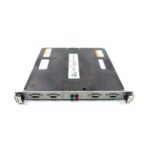
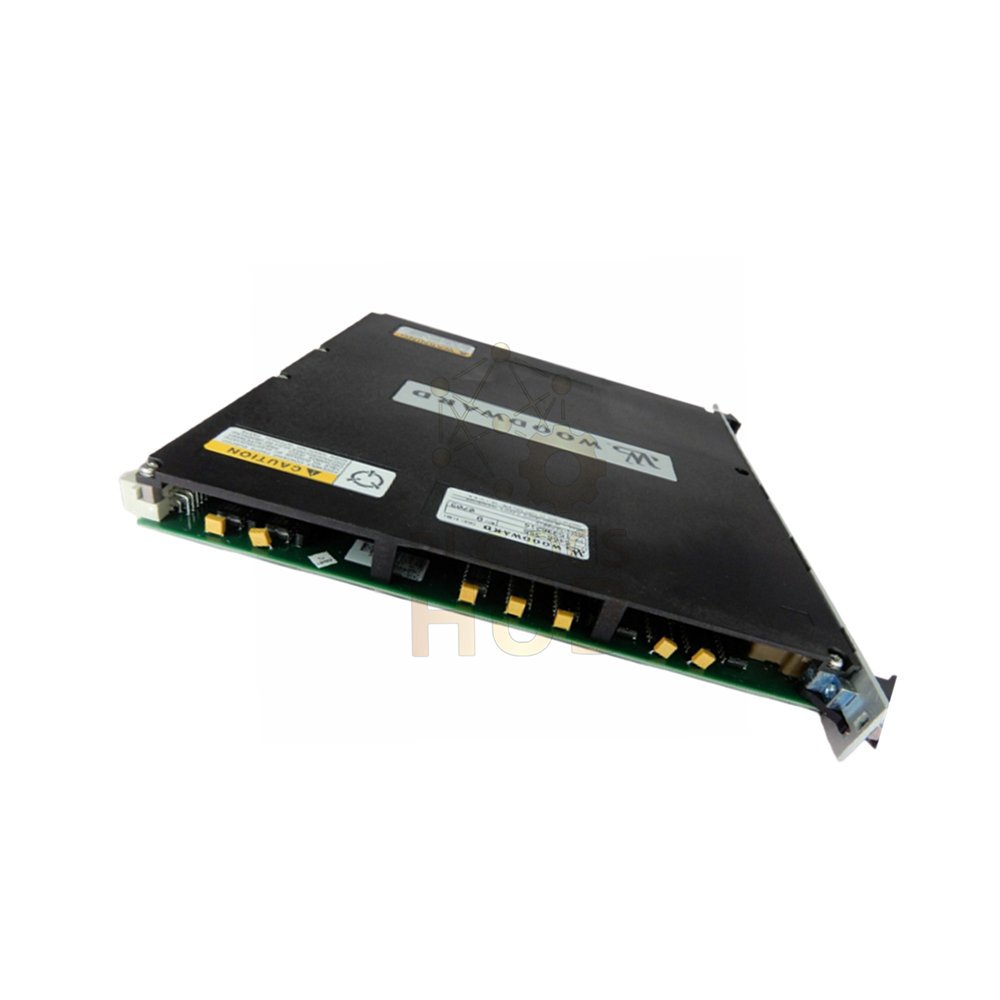
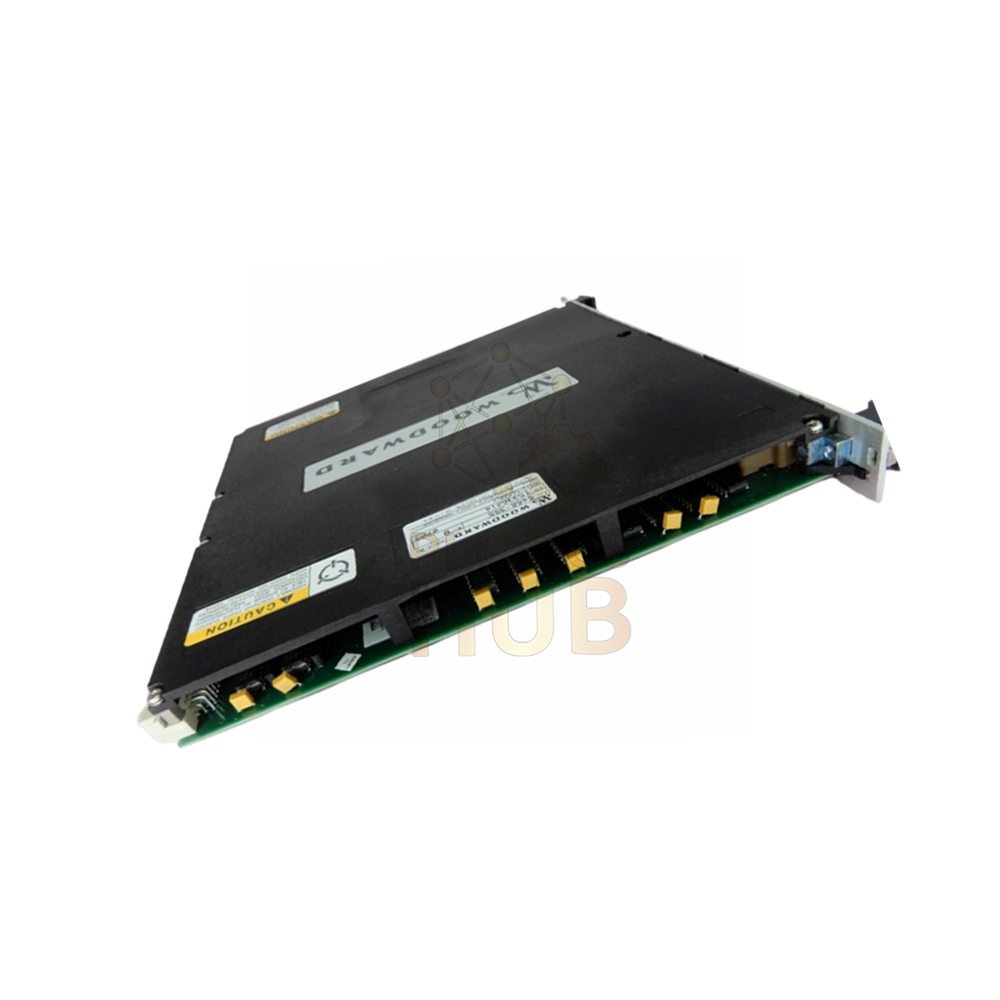
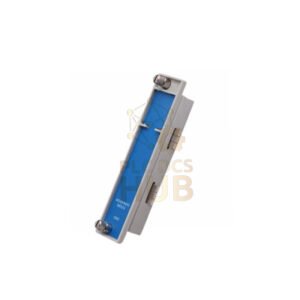
- The Woodward 5466-355 is a Remote Chassis Transceiver (Remote XCVR).
- Works only with CPU 68040 systems from Woodward.
- Receives and sends control, data, and address info to/from the Main XCVR module.
- Must install in each Remote I/O Chassis wired to the Main Chassis.
- Connects to the chassis VME bus for high-speed data transfer.
- Made in the USA – genuine Woodward quality.
Key Features
- Parallel interface: High-speed differential line drivers at VME transmission rate. Fast and reliable.
- Cable interface: 100‑pin metal shell Micro‑D connectors (two per module). Robust and noise‑resistant.
- No switches or LEDs on the module – simple plug‑and‑use design.
- Bus receiver/driver talks directly to the VME bus for control and data exchange.
- Chassis decoder activates the module when this chassis needs access.
Technical Specifications – Tree Structure
- Brand & Model: Woodward / 5466-355
- Product Type: Remote Chassis Transceiver (Remote XCVR)
- Country of Manufacture: United States (USA)
- Availability: In Stock
- System Compatibility:
- Works only with CPU 680040 systems
- Required for every Remote I/O Chassis connected to Main Chassis
- Installs in Slot 1 of each expansion chassis
- Interface Type:
- Parallel interface with high-speed differential line drivers
- Operates at VME transmission rate
- Connects to VME bus inside the chassis
- Connectors:
- 100‑pin metal shell Micro‑D connectors
- Two connectors per module
- Indicators & Controls:
- No switches
- No LEDs
Installation Guide – Important Rules
- Slot position: Always install in Slot 1 of the chassis.
- Expansion chassis (not last): Use module without termination resistors.
- Last expansion chassis: Use module with termination resistors.
- Main Chassis: The Main Transceiver module can go in any slot – flexible.
- T-Module: Each expansion chassis (except last) needs a T-Module next to it.
Cabling Guidelines
- Short cables (3 feet / 0.9 m): Connect expansion chassis to their T‑Modules.
- Long cables (10 feet / 3 m): Use for Main Chassis connections, between last Expansion Chassis, and between T‑Modules.
- Check cable connections first if module does not work.
- Replace cables if problem continues.
- Replace module only after trying new cables.
Troubleshooting & Maintenance
- No LEDs means you must rely on system diagnostics to check status.
- Verify module is in Slot 1 – wrong slot causes communication failure.
- Check termination resistors: only the last chassis should have them.
- Loose or damaged 100‑pin connectors are a common failure point.
- Use only Woodward‑approved cables for best signal quality.
Compatibility Information
- Works exclusively with Woodward CPU 68040 systems.
- Requires Main XCVR module in the Main Chassis.
- Not compatible with other CPU families (68020, 68030, etc.).
- For other industrial control needs, explore Modicon Quantum PLCs – see Modicon Quantum series.
Certifications & Quality
- Manufactured in the USA under Woodward quality standards.
- Designed for industrial VME bus systems.
- High immunity to electromagnetic interference (differential drivers + metal shell connectors).
Package Contents
- 1x Woodward 5466-355 Remote Chassis Transceiver module
- Installation instructions sheet
- Cables sold separately – order 3‑foot or 10‑foot cables as needed.
- Termination resistor version is a different part number – specify when ordering.
Warranty & Shipping Methods
- 12-month warranty against manufacturing defects.
- Express couriers: FedEx, UPS, DHL worldwide.
- Same‑day dispatch for orders before 2 PM (GMT+8).
- Delivery in 3‑7 business days to most countries.
- Tracking number provided by email.
Typical Application Scenarios
- Expanding Woodward CPU 68040 systems with remote I/O chassis.
- Industrial turbine and generator control systems.
- Distributed control systems requiring VME backplane communication.
- Upgrading legacy Woodward systems with additional I/O capacity.
Frequently Asked Questions (FAQ)
- Q1: Can I use this module with a Woodward CPU 68020 system?
- A1: No. The 5466-355 works only with CPU 68040 systems.
- Q2: How do I know if I need the version with or without termination resistors?
- A2: Use without resistors for all expansion chassis except the last one. Use with resistors only for the final chassis in the chain.
- Q3: There are no LEDs. How do I check if the module is working?
- A3: Check system diagnostics via the CPU. The module has no visual indicators.
- Q4: Can I install this module in any slot?
- A4: No. Must install in Slot 1 of each expansion chassis.
- Q5: What length cables should I buy?
- A5: 3‑foot (0.9m) for chassis‑to‑T‑Module. 10‑foot (3m) for Main Chassis and between T‑Modules.
Buying Guide & Selection Tips
- Confirm your system has a Woodward CPU 68040 before buying 5466-355.
- Count how many expansion chassis you have – buy one module per chassis.
- Order the termination resistor version for the last chassis only.
- Buy spare 100‑pin Micro‑D cables – they are specialized and hard to find locally.
- Keep a spare module for critical systems to minimize downtime.
- Purchase from authorized Woodward distributors to ensure genuine USA‑made parts.
Contact Information Inquiries
- Message us on WhatsApp for fast support: +86 158 8020 0923
- Email: sales@plcdcshub.com – reply within 24 hours.
- Live chat: Monday to Friday, 9 AM – 6 PM (GMT+8).
Copyright © 2026 PLCDCS HUB Limited. All rights reserved.
Original Source: https://plcdcshub.com/
Partner: Powergear X Automation Limited |
Oiltech Controls Limited
Also explore Modicon Quantum series for industrial PLC solutions.


0.0 Average Rating Rated (0 Reviews)