





Description
Meet the 8440-1956 – Smart Generator Control
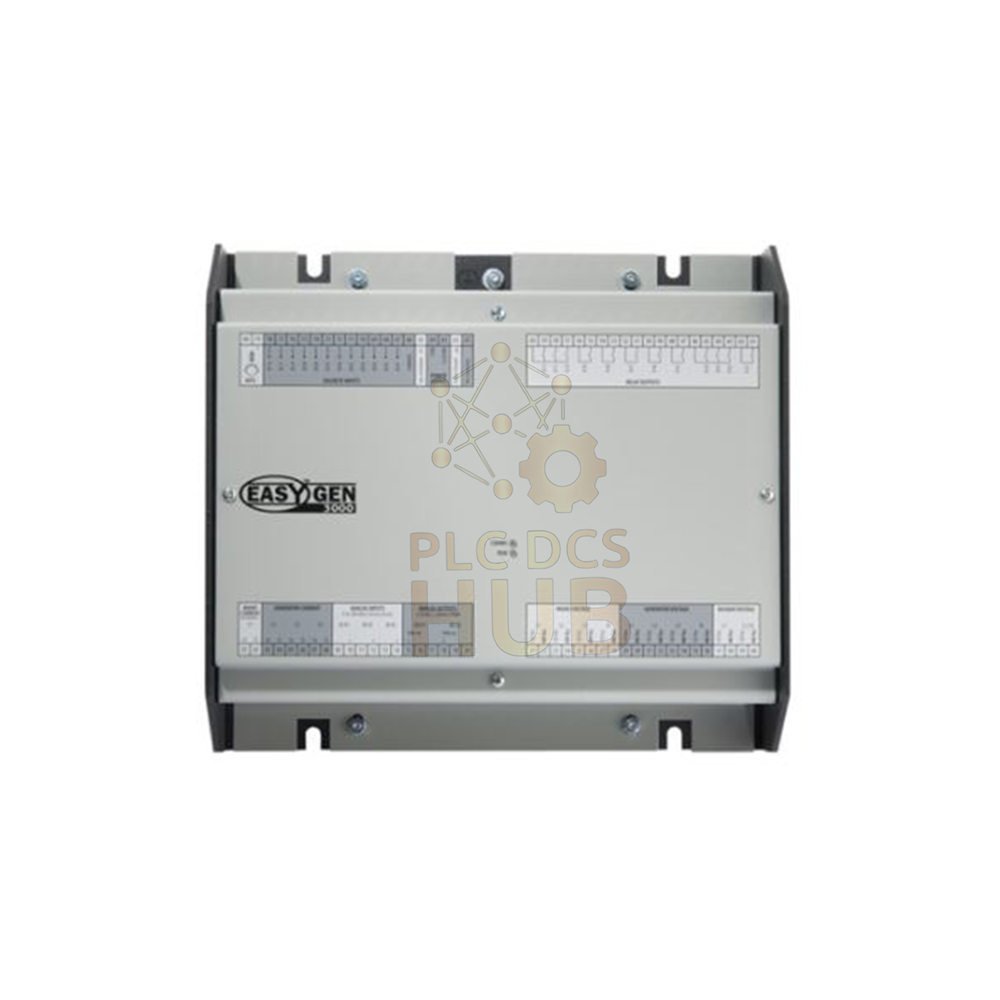
- Woodward 8440-1956 belongs to the easYgen-3000 series.
- It is an easYgen-3400-1-P1 model. Smaller than P2 versions.
- This unit handles complex breaker applications and engine-generator control.
- Use it to monitor generator voltage (delta or wye configurations).
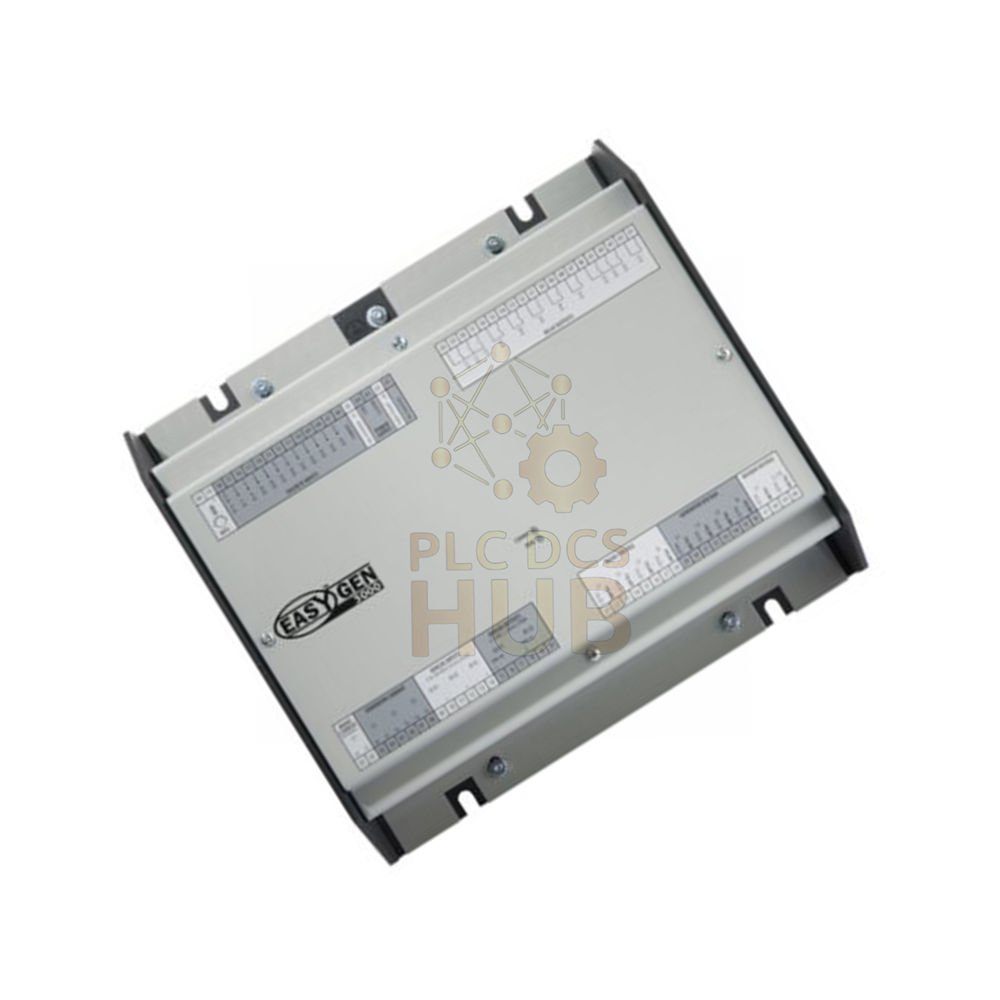
- The device comes in a metal frame. Handle with care during installation.
Technical Specifications (Tree View)
- ▹ Manufacturer: Woodward
- ▹ Model & Part Number: 8440-1956 / easYgen-3400-1-P1
- ▹ Series: easYgen-3000
- ▹ Accuracy Class: 0.5
- ▹ Setting Range: 0.5 to 99,999.9 kW / kvar
- ▹ Weight: approx. 1,850 g (4 lbs)
- ▹ Contact Material: AgCdO
- ▹ Ambient Humidity: 95% non-condensing
- ▹ Current Transformer Input: 1 A CT input
- ▹ Languages supported:
- English, German, Spanish, French, Italian, Portuguese, Japanese
- Chinese, Russian, Turkish, Polish, Slovakian, Finnish, Swedish
Key Features & Alarm System
- Generator voltage monitoring – choose delta (phase-phase) or wye (phase-neutral).
- For isolated or compensation networks, use wye mode to prevent earth faults.
- Six alarm classes: A, B, C, D, E, F. Assign a limit to each class.
- Each alarm class defines actions when reaching or passing the set limit.
- Perfect for engine-generator control and complex breaker logic.
Installation Guide – Read Carefully
- The metal frame can dent easily. Inspect for damage after unpacking.
- Mount the controller inside a dry, clean panel. Keep humidity below 95%.
- Connect 1 A CT inputs for current measurement. Use proper wiring for voltage sensing.
- Set voltage mode (delta/wye) based on your generator configuration.
- For isolated networks, always select wye mode. This avoids unwanted trips.
Easy Debug & Maintenance
- Multi-language display – pick from 13 languages for local operation.
- Alarm classes help you find issues fast. Each class has clear limits.
- Check generator voltage readings directly on screen.
- Use Woodward PC software for advanced diagnostics and log viewing.
- No special tools needed for basic setup.
Compatibility
- Works with any generator set using 1 A CTs and voltage transformers.
- Part of easYgen-3000 family – shares accessories with other P1 models.
- Can integrate with PLC systems including Modicon Quantum via Modbus.
- Replaces older Woodward generator controllers directly.
Certifications & Standards
- Accuracy Class 0.5 – meets IEC/EN standards for power metering.
- Humidity tested: 95% non-condensing – reliable for indoor panels.
- CE marked for European market. RoHS compliant.
- Contact material AgCdO ensures long life for relays.
Package Contents & Warranty
- 12 months warranty from invoice date. Covers defects.
- Package includes: 1 x 8440-1956 controller, quick start guide (digital).
- No cables or CTs included – order separately.
- Return policy: defective units replaced under warranty.
Shipping – Fast & Reliable
- We ship worldwide with FedEx, UPS, DHL.
- Tracking number provided within 24 hours. Insurance included.
- Express delivery: 3-7 business days typical.
Typical Applications
- Diesel or gas generator control in standby power systems.
- Complex breaker synchronization for parallel generators.
- Industrial cogeneration plants.
- Marine and offshore generator management.
Diagnostic Capability
- Real-time voltage and power readings on display.
- Alarm history log – stores past events for troubleshooting.
- Detects CT wiring errors, voltage loss, or frequency drift.
- Self-diagnostic test at power-up.
Frequently Asked Questions (FAQ)
- Question: What is the difference between P1 and P2 models?
Answer: P1 is smaller with fewer I/Os. P2 has more connectors and inputs.
- Question: Can I use 8440-1956 for single-phase generators?
Answer: Yes, configure voltage monitoring as wye (phase-neutral).
- Question: Does this unit support Modbus communication?
Answer: Yes, it supports Modbus RTU via RS485. Great for PLC integration.
- Question: What happens if the metal frame gets damaged?
Answer: Do not install it. Damaged frame may cause electrical hazards. Return for replacement.
- Question: How do I set the alarm limits?
Answer: Use the front panel or Woodward software. Assign values to classes A-F.
Experience-based Q&A (Field Notes)
- Question: My controller trips on voltage fault. What is wrong?
Answer: Check if you selected wye mode for isolated network. Delta mode causes false trips.
- Question: Can I upgrade firmware on 8440-1956?
Answer: Yes. Download latest firmware from Woodward. Use serial cable and PC tool.
- Question: The display shows wrong power factor. Why?
Answer: Verify CT polarity and voltage input wiring. Reversed CT wires cause errors.
Buying Guide – Choose the Right Unit
- Choose 8440-1956 if you need compact generator control for one or two breakers.
- Need more I/Os? Look at easYgen-3400-P2 models instead.
- Check your CT rating – this unit accepts 1 A secondary CTs only.
- For multiple languages, this model supports 13 languages – good for global teams.
- Order a spare unit for critical sites. Lead times vary.
- Contact us for bundle pricing with CTs or communication modules.
Need Help? Contact Us
- Technical support or quote requests:
+86 158 8020 0923 (WhatsApp) - Email: sales@plcdcshub.com – fast response within 24h.
- Pre-sales consulting and RMA support available.
Copyright © 2026 PLCDCS HUB Limited. All rights reserved.
Original Source: https://plcdcshub.com/
Partner: Powergear X Automation Limited |
Oiltech Controls Limited


0.0 Average Rating Rated (0 Reviews)