
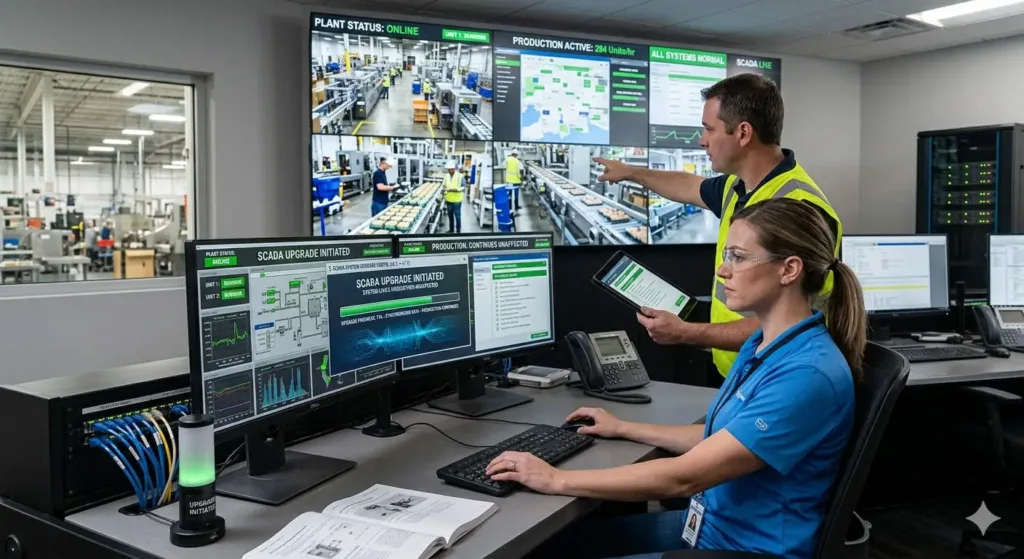
SCADA Upgrade Strategy: Maintaining Legacy Project Compatibility
Strategic SCADA Software Upgrades: Ensuring Legacy Project Continuity
SCADA software updates do not necessarily render older projects obsolete. However, they can create technical gaps that threaten industrial production. In sectors like oil and gas or pharmaceuticals, data integrity remains the top priority. Improper migration often causes database corruption or driver failures. At PLCDCS HUB, we believe a structured upgrade plan protects your operational reliability. A proactive approach maintains backward compatibility while unlocking new digital features.

Navigating Project File and Schema Transformations
Modern SCADA platforms frequently update their internal database structures during major releases. These changes affect tag configurations and historical logging formats. Consequently, engineers must convert legacy files to the newer version schema. However, these conversions are usually permanent and prevent reverting to older software. In addition, custom scripts often fail if they rely on deprecated VBScript functions. We recommend testing all scripting logic in a sandbox before final deployment.
- ✅ Perform manual script audits for deprecated APIs.
- ✅ Validate database schema integrity during the conversion process.
- ✅ Archive original project files before initiating any migration tool.
Maintaining Communication Driver and Protocol Integrity
Effective industrial automation relies on seamless communication between SCADA and field devices. Newer software versions may stop supporting legacy drivers like OPC DA. Many vendors now prioritize OPC UA for enhanced security and cross-platform performance. Therefore, your PLC or DCS might lose its connection after a software update. During one refinery project, we saw strict DCOM settings block all data polling. We resolved this by implementing an OPC UA gateway to bridge the gap.
- ⚙️ Check vendor compatibility matrices for existing hardware drivers.
- ⚙️ Align communication settings with IEC 62541 standards.
- ⚙️ Test driver stability under heavy network traffic conditions.
Optimizing Runtime Performance and Hardware Support
Upgrading SCADA software usually demands more powerful hardware and modern operating systems. Legacy industrial PCs often lack the RAM or CPU power for high-demand HMIs. As a result, systems may experience memory leaks or screen lag. For instance, Windows 7 stations frequently struggle with modern security patches. We suggest migrating to Windows Server LTSC versions for long-term stability. Always verify that your current hardware meets the software vendor’s minimum requirements.
- 🔧 Assess CPU and RAM utilization under full production load.
- 🔧 Ensure OS compatibility with latest cybersecurity firmware.
- 🔧 Replace aging hardware to prevent sudden component failure.
Proven Deployment and Maintenance Protocols
Never perform a live upgrade on a running production system. Instead, utilize a staged approach to identify potential bugs. First, set up a test environment for a Factory Acceptance Test (FAT). Second, import the project and simulate real-world I/O traffic. Finally, verify that all alarms and historical trends function correctly. A robust backup strategy is non-negotiable for factory automation success. Full system images can save weeks of work if the migration fails.
If you need reliable hardware to support your next SCADA modernization, visit PLCDCS HUB Limited for premium automation components. We help you find the right parts to ensure your control systems remain future-proof.
Frequently Asked Questions
How can I tell if my custom scripts will work after an upgrade?
Most vendors provide migration reports that flag deprecated functions. You should manually test critical logic, especially if your scripts interact with external Windows DLLs or legacy APIs. Our experience shows that moving to C# or modern Python scripts offers better long-term stability.
Should I upgrade my SCADA if the current system is stable?
If your system operates on an unsupported OS like Windows XP or 7, you should upgrade to mitigate cybersecurity risks. However, in highly regulated GxP environments, the cost of re-validation might outweigh the benefits. Only upgrade if you need better integration or security.
What is the most common reason for SCADA migration failure?
The most frequent cause is driver incompatibility combined with poor DCOM configuration. When moving from older versions, the new security protocols often block legacy communication. We recommend switching to OPC UA whenever the hardware supports it to avoid these issues.
Solution Scenario: Seamless Historian Migration
In a pharmaceutical facility, we managed a SCADA upgrade that required zero data loss. We utilized a parallel server approach where the old and new systems ran simultaneously. This allowed us to verify data accuracy across both platforms. After 48 hours of consistent performance, we successfully transitioned the primary control to the new version. This method ensures continuous compliance with GAMP 5 standards while protecting vital production records.
Related Posts


No Comments