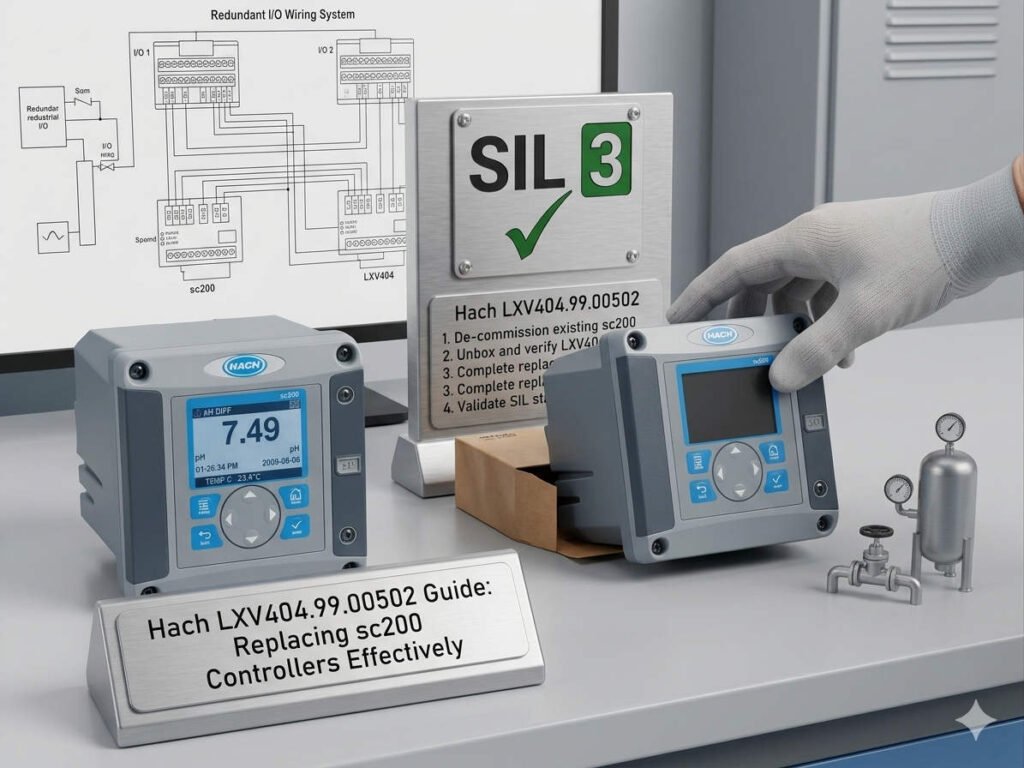
LXV404.99.00502 Guide: Replacing sc200 Controllers Effectively
Optimizing the LXV404.99.00502 Controller for sc200 System Integration
The LXV404.99.00502 is a modular controller component within the Hach sc200 ecosystem. It provides essential scalability for continuous water quality monitoring systems. In industrial automation, this unit ensures stable multi-parameter measurements across municipal and pharmaceutical sectors. However, replacing an existing sc200 unit with this model requires careful planning. It is a “same-platform” replacement rather than a zero-config, plug-and-play solution.
Navigating Modular I/O Architecture Challenges
The sc200 platform utilizes plug-in modules for analog, digital, and communication tasks. When you upgrade to the LXV404 unit, you must physically migrate these existing I/O cards. A mismatch in slot configuration often leads to channel recognition failures during startup. Therefore, maintaining the exact slot sequence is critical for signal continuity. Incorrect placement can swap vital data, such as dissolved oxygen and pH readings, in your DCS.
Expert Insight from PLCDCS HUB: In our experience, most “dead on arrival” reports are actually installation errors. Specifically, technicians often ignore slot mapping. Always label your modules before removal to avoid control systems logic errors.
Firmware Synchronization and Sensor Compatibility
Newer LXV404 controllers often ship with updated firmware that may not recognize legacy sensors. Older Hach probes might require a sensor firmware update or a controller downgrade to communicate. Incompatible versions frequently cause intermittent data drops or “sensor not found” alarms. As a result, you should record your current firmware revisions and sensor models before beginning the swap. This preparation significantly reduces downtime in factory automation environments.
Restoring Communication Protocols and SCADA Mapping
While the hardware supports Modbus, Profibus, and Ethernet, the LXV404 does not auto-migrate configurations. Integrating the unit back into a PLC network requires manual restoration of node IDs and baud rates. If register mapping is not identical, the device will appear offline to the SCADA system. Consequently, field engineers often misinterpret these configuration gaps as hardware faults. Always back up your communication settings to ensure a smooth transition.
Installation Protocols for Harsh Industrial Environments
Successful deployment requires strict attention to physical and electrical protection. Follow these technical guidelines for longevity:
- ✅ Slot Mapping: Keep the exact left-to-right order of all I/O modules.
- ✅ Electrical Grounding: Maintain grounding resistance below 4Ω to prevent signal interference.
- ✅ Vibration Control: Use DIN rail locking clips in high-vibration pump stations.
- ✅ Surge Protection: Install external surge arrestors in lightning-prone regions.
Strategic Selection Guide for sc200 Replacements
The LXV404.99.00502 is highly hardware-compatible but requires a manual configuration clone. If you lack a configuration backup, expect recovery to take one to three hours. Furthermore, if your system is over five years old, evaluate your sensors during this replacement. New controllers cannot fix the performance limitations of aging or drifting probes. Treating the controller as part of a complete measurement chain yields the best results.
Application Scenarios and Solutions
- Municipal Wastewater Treatment: Stabilizes DO and nitrate monitoring for secondary aeration control.
- Pharmaceutical Ultrapure Water: Ensures high-resolution conductivity data for strict regulatory compliance.
- Chemical Process Monitoring: Provides reliable multi-channel data for hazardous liquid analysis.
For genuine sc200 components and expert technical integration support, visit PLCDCS HUB Limited today. We provide the reliable hardware your industrial automation loops require.
Frequently Asked Questions (FAQ)
1. Can the LXV404.99.00502 replace my old sc200 without reconfiguration?
No, it cannot. You must manually rebind your sensors and reconfigure communication settings like Modbus IDs. The hardware fits perfectly, but the “brain” of the controller starts with factory defaults.
2. How do I handle a “Sensor Not Recognized” error after installation?
Check the firmware compatibility first. Ensure the controller firmware version supports the specific probe model. You may need to perform a sensor scan or update the probe software via the controller menu.
3. Is it worth upgrading to the LXV404 if my current controller still works?
If you require better data stability or plan to expand your I/O, the LXV404 is a wise investment. It serves as a more reliable foundation for modern control systems compared to aging legacy units.