





_副本-副本-300x300.webp)
Description
Brief Introduction
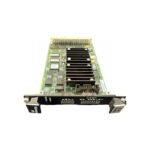
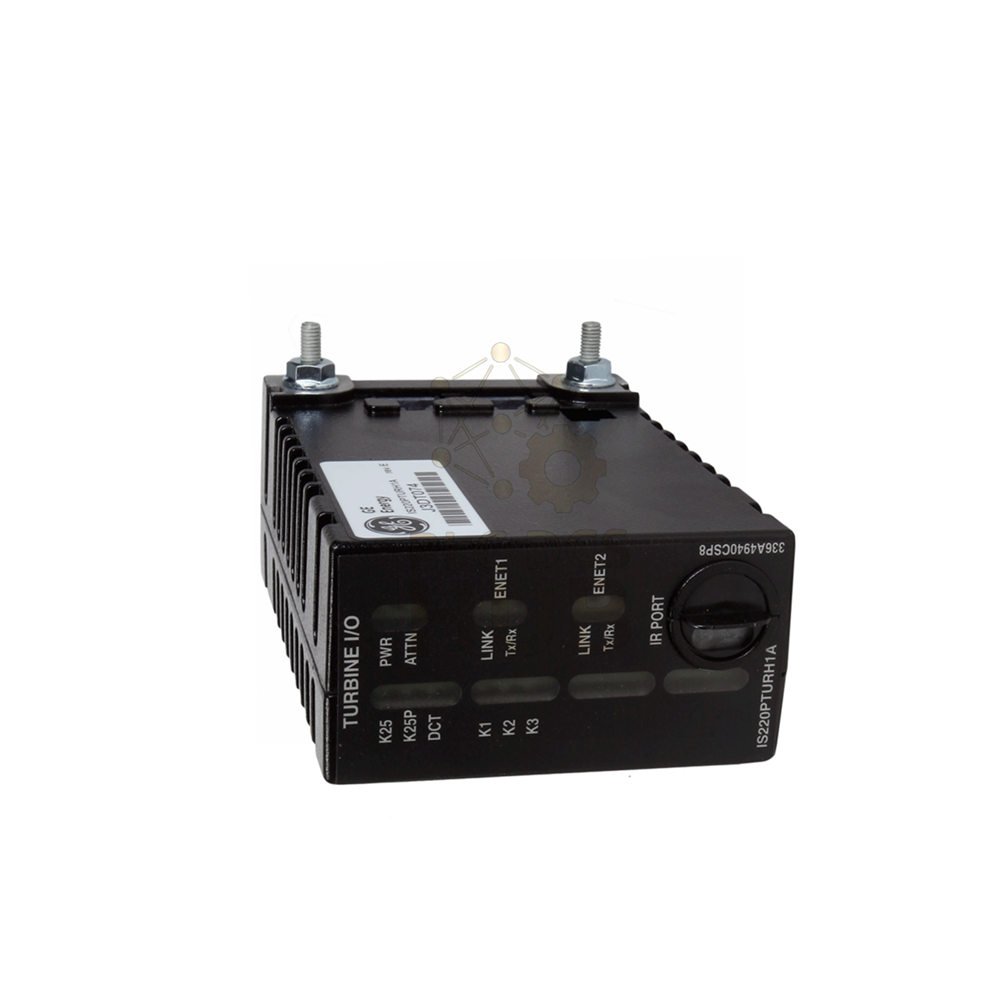
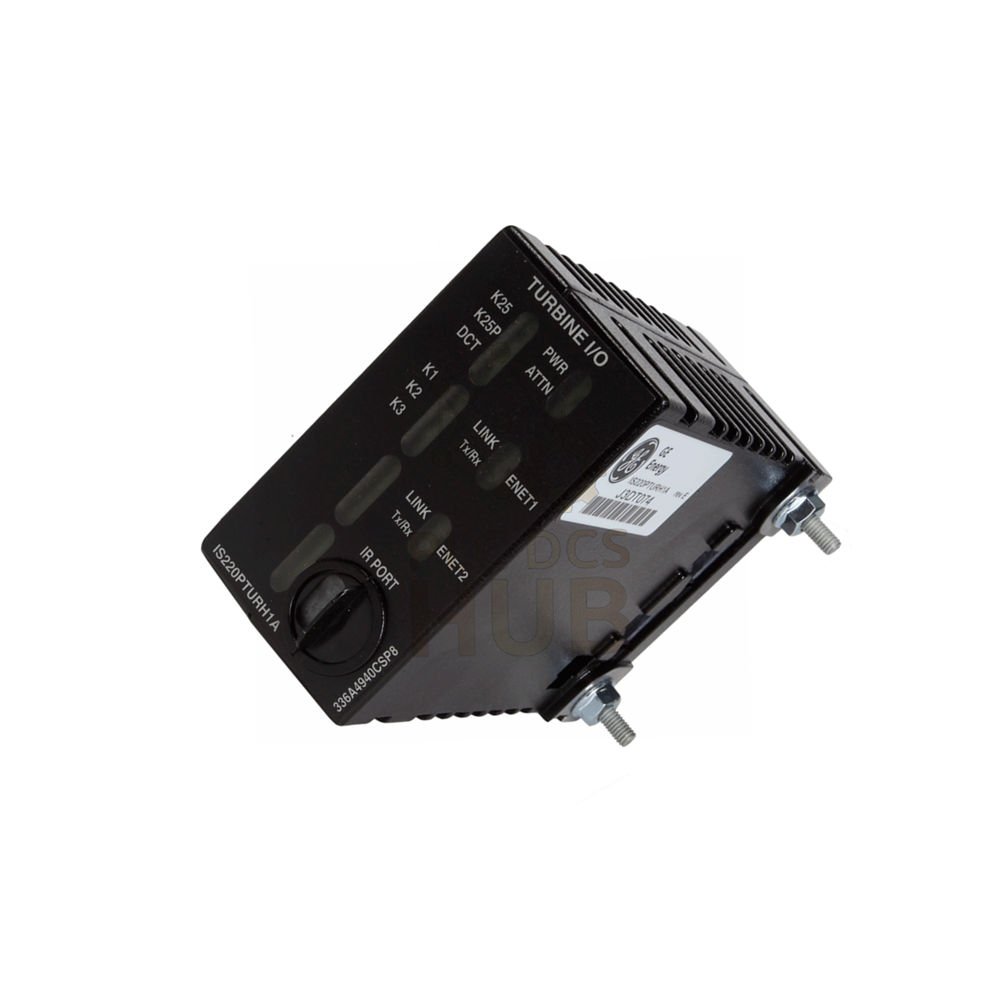
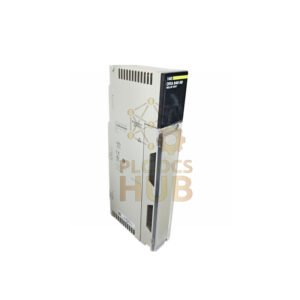
The GE IS220PPDAH1A is an I/O pack for the Mark VIe series. It monitors power distribution feedback in turbine control systems. This unit receives data from up to six power distribution boards. It uses electronic IDs for plug-and-play setup. The manufacturer has discontinued this model. Stock is limited.
Technical Specifications
- Brand: General Electric (GE)
- Part Number: IS220PPDAH1A
- Series: Mark VIe
- Product Type: I/O Pack – Power Distribution Feedback
- Functional Acronym: PPDA
- Location: Power Distribution Module (PDM)
- Analog Inputs: 5
- LED Indicators: 8
- Compatible Processor Boards: BPPB (inside PPDAH1A), BPPC (inside PPDAH1B)
- Software Compatibility: ControlST V04.07 and later
- Compatible Feedback Signals: JPDB, JPDE, JPDF
- Host Boards: JPDS, JPDM, JPDG, or JPDC (28V DC)
- Connection Type: 50-pin ribbon cable (pin to pin 1)
- Ethernet Ports: 2 (redundant interface)
- Circuit Coating: Conformal
- Assembly Type: IS220 Standard Module
- Ambient Temperature: -30°C to 65°C
- Manual Reference: GEH-6721_Vol_II V or GEH-6721L
- Country of Manufacture: United States
Ordering Code Breakdown (Tree View)
- IS220 = Mark VIe standard module family
- PPDA = Power Distribution Feedback I/O Pack
- H1A = Specific revision with BPPB processor
What This Board Does
- Monitors ground fault detection
- Checks bulk power supply health
- Measures power bus voltages
- Tracks branch circuit statuses
- Sends data to controllers via IONet
- Provides complete system feedback
- Cannot take direct protective actions – reports only
Installation Guide
- Mount the terminal board firmly first.
- Directly connect the PPDA pack to JAI terminal board connectors.
- Mount the PPDA onto JPDG, JPDS, JPDM, or JPDC board.
- Tighten threaded screws next to Ethernet ports.
- Ensure no right-angle force on the DC-62 pin connector.
- Connect one or two Ethernet cables. Either port works.
- Power on the pack. Built-in soft-start limits current inrush.
- Use ToolboxST software for configuration if needed.
- Connect ribbon cables from P2 on host boards to other core boards.
Signal Routing – Simple Explanation
- Each connected board sends one feedback group to PPDA.
- Up to five prior boards can connect in a daisy chain.
- Use 50-pin ribbon cable jumpers (pin to pin 1).
- JPDM uses two feedback groups because it has many feedback lines.
Diagnostic Capabilities
- Power-up self-test checks processor, Ethernet, RAM, flash memory.
- Continuous monitoring of internal power supply.
- Electronic ID verification for hardware matching.
- Application code verification from flash memory.
- Precision reference voltages in every analog scan.
- A/D converter health checks by comparing values.
- ToolboxST software shows detailed diagnostic data.
Configuration Options
- JPDB: Set voltage magnitude, tolerance, neutral factor. Enable/disable branch fuse status.
- JPDC: Set 125V bus magnitude. Disable low voltage diagnostics if not present. Configure ac bus settings.
- JPDG: Switch P28 feedback on/off. Set 24/48V bus magnitude.
- JPDE: Set 24V bus magnitude. Switch fuse diagnostic on/off.
- JPDF: Set 125V bus magnitude. Switch fuse diagnostic on/off.
- JPDS/JPDM: Define P28R, S, T presence. Disable low voltage diagnostics if absent.
Compatibility
- Works with Mark VIe turbine control systems.
- Hosts: JPDG, JPDS, JPDM, JPDC (28V DC control power distribution boards).
- Compatible with BPPB and BPPC processor boards.
- Use ControlST software V04.07 or later.
- Feedback signals: JPDB, JPDE, JPDF.
Packing List
- 1 x GE IS220PPDAH1A I/O Pack
- Original factory packing (while stocks last)
Warranty & Shipping
- 12-month warranty covers functional defects.
- We ship worldwide with FedEx, UPS, or DHL.
- Tracking number provided for every order.
Typical Applications
- Wind turbine control systems
- Gas and steam turbine monitoring
- Power distribution feedback in Mark VIe systems
- Industrial automated control panels
Professional FAQ
- Q: Can the IS220PPDAH1A take direct protective actions?
- A: No. This board only reports feedback. It cannot shut down or protect the system directly.
- Q: What happens if 240V AC crosses with DC on this board?
- A: Peak voltage will exceed the MOV rating. This causes board failure. Keep AC and DC separate.
- Q: How many PDM boards can connect to one PPDA?
- A: Up to six boards. Each gives one feedback group to the PPDA pack.
- Practical tip from engineers:
- Always verify electronic IDs during setup. Wrong IDs cause wrong feedback data to controllers.
- Selection guide for buyers:
- Choose IS220PPDAH1A for systems needing BPPB processor compatibility.
- Need BPPC processor? Select IS220PPDAH1B instead.
- Confirm your PDM host board type (JPDG, JPDS, JPDM, or JPDC) before buying.
- This model is discontinued. Stock is limited. Buy early to avoid shortages.
- Check your ambient temperature. This board works from -30°C to 65°C only.
Contact Us
- For inquiries: +86 158 8020 0923 (WhatsApp)
Copyright © 2026 PLCDCS HUB Limited. All rights reserved.
Original Source: https://plcdcshub.com/
Partner: Powergear X Automation Limited
Partner: Oiltech Controls Limited


0.0 Average Rating Rated (0 Reviews)