


Description
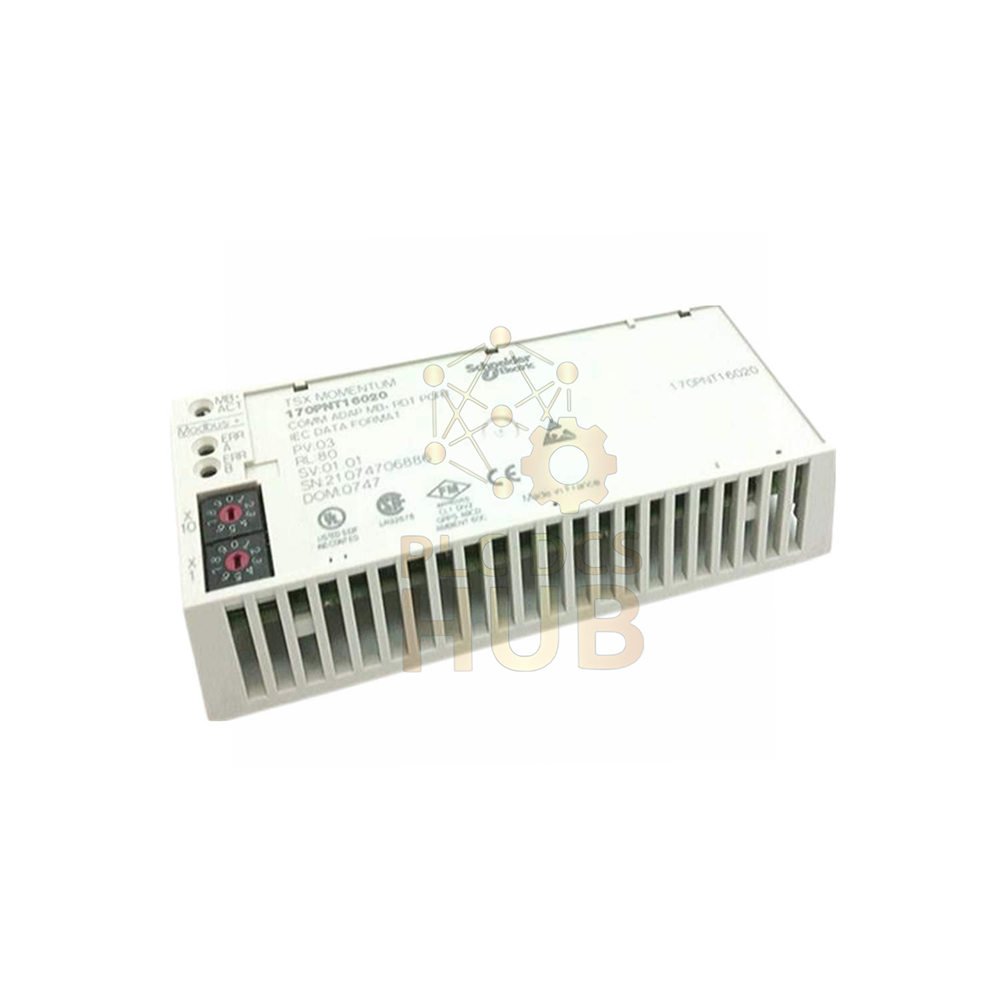
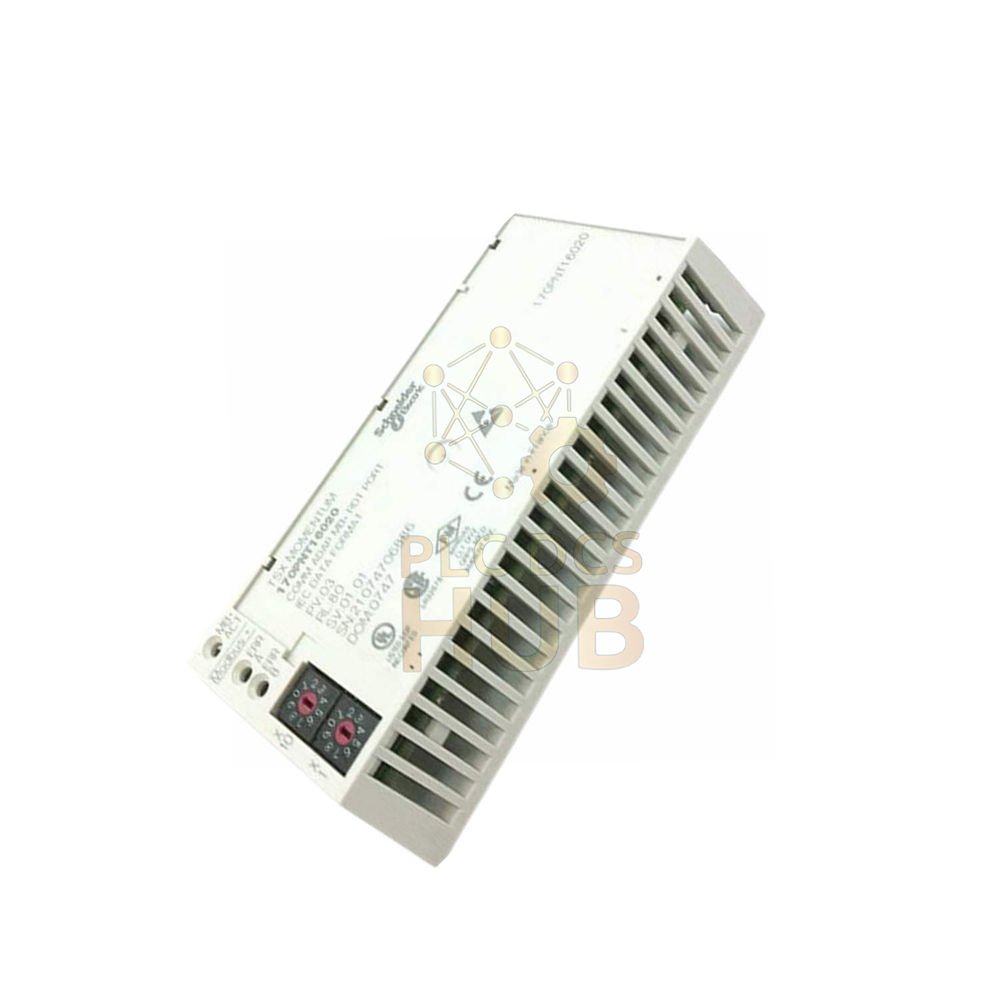
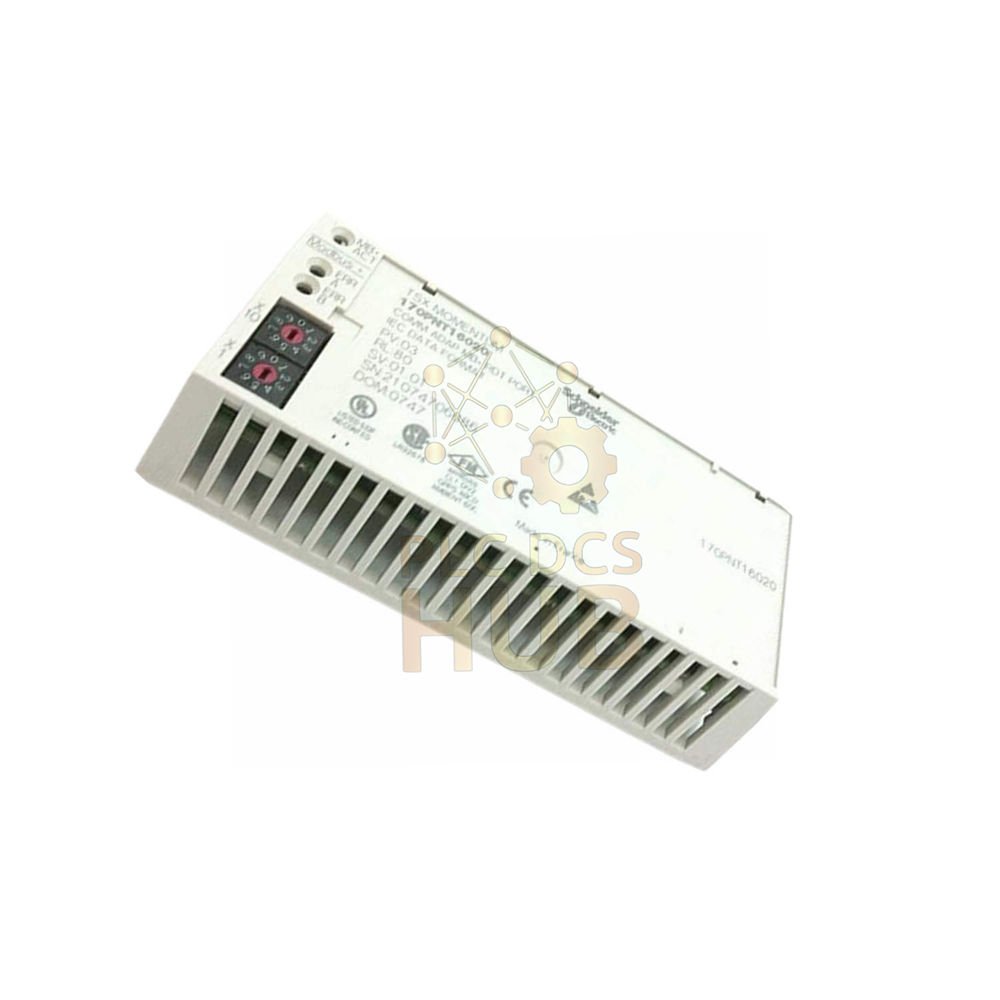
Schneider Electric 170PNT16020C – Modbus Communication Adapter for Momentum Series
The Schneider Electric 170PNT16020C is a communication adapter. It belongs to the Modicon Momentum product line. This unit uses the Modbus protocol for reliable data exchange. Consequently, it connects Momentum I/O to Modbus networks easily.
Why Choose This Communication Adapter
- High speed: Delivers 1 Mbit/s data rate for fast communication.
- Flexible wiring: Supports multidrop, daisy-chain, or tap topologies.
- Large network: Connects up to 31 devices per segment.
- Standard connector: Uses SUB-D9 (9-pin) for easy cabling.
- Wide compatibility: Works with all Modbus-capable controllers.
Technical Data (Hierarchical View)
Brand & Series
• Manufacturer: Schneider Electric
• Product Line: Modicon Momentum
• Part Number: 170PNT16020C
• Product Type: Communication Adapter
Communication Specifications
• Protocol: Modbus (standard serial)
• Data Rate: 1 Mbit/s
• Connector Type: SUB-D9 (9 pins)
• Topologies: Multidrop, daisy-chain, or tap
• Maximum Devices: 31 per segment
Environmental Limits
• Operating Temperature: 0°C to +40°C (32°F to 104°F)
• Operating Humidity: 80% RH max (non-condensing)
• Storage Humidity: 80% RH max (non-condensing)
• Operating Altitude: ≤ 1000 meters above sea level
Installation & Compatibility Notes
- Mount the 170PNT16020C on a DIN rail inside a control cabinet.
- Use shielded twisted pair cable for Modbus RS485 connections.
- Connect the SUB-D9 plug to your Modbus trunk or drop cable.
- This adapter works with all Modicon Momentum processors and I/O modules.
- For larger networks, integrate with Modicon Quantum controllers via Modbus bridging.
Typical Applications & Use Cases
- Connecting Momentum I/O islands to a Modbus RTU network backbone.
- Interfacing with legacy Modbus PLCs and SCADA systems.
- Data collection from remote I/O stations in building automation.
- Real-time control of small processes requiring 1 Mbit/s speed.
- Upgrading older Momentum racks without replacing existing Modbus wiring.
Diagnostic Capabilities & Troubleshooting
- Check the front LED indicators for power and communication status.
- If the LED stays off, verify the backplane power and module seating.
- Use a Modbus scanner tool to see if the 170PNT16020C responds to polls.
- A common issue is incorrect termination. Therefore, enable termination resistors at both ends.
- Test the adapter by placing it in a known working Momentum rack with a short Modbus cable.
Packaging, Warranty & Shipping
- Package includes: One Schneider 170PNT16020C adapter, quick start guide, and warranty card.
- Warranty: 12 months against manufacturing defects from invoice date.
- Shipping carriers: FedEx, UPS, DHL for fast global delivery.
- Typical transit time: 2 to 5 business days for stocked items.
- Each unit ships in anti-static bubble wrap inside a sturdy carton.
Selection & Purchasing Guide (Expert Advice)
- Choose the 170PNT16020C when you need one Modbus port per Momentum rack.
- For Ethernet-based networks, select the 170ENT11000 adapter instead.
- Always confirm your master PLC supports the same baud rate (1 Mbit/s maximum).
- Keep total segment length within Modbus limits: 1000 meters with repeaters.
- Order a spare 170PNT16020C for critical production lines to avoid long downtime.
- Ask about bundle discounts when purchasing 5 or more communication adapters.
Frequently Asked Questions (Professional & Practical)
- Q: Does the 170PNT16020C work with any Modbus device?
A: Yes, it follows standard Modbus serial specifications. Therefore, it connects to any certified Modbus RTU device. - Q: What is the maximum cable length for this adapter?
A: At 1 Mbit/s, keep cable length under 100 meters. For longer runs, reduce speed or add repeaters. - Q: Can I use the 170PNT16020C with Modicon Quantum via Modbus?
A: Absolutely. The Modicon Quantum CPU with a Modbus port communicates perfectly with this Momentum adapter. - Q: Is the 170PNT16020C hot-swappable?
A: No. Always power down the Momentum rack before inserting or removing this adapter. Otherwise, you risk damaging the backplane. - Q: Does this adapter require external 24V power?
A: No, it draws all power from the 5V backplane. Ensure your rack supply provides enough current for all modules. - Q: What do the LEDs indicate during normal operation?
A: A steady green LED indicates active communication. Blinking green means the adapter is configured but idle. Red indicates a fault. - Q: What software do I need to configure the Modbus address?
A: Use Schneider’s Concept or ProWORX 32 to set the node address via Momentum configuration tool.
Compliance & Safety Reminder
- This adapter has no IP rating. Keep it inside a protective enclosure.
- Do not expose the 170PNT16020C to water, oil, or direct sunlight.
- Always follow local electrical codes when installing Modbus cabling.
- This module is RoHS compliant and meets CE standards.
Note: The 170PNT16020C supports Modbus RTU only. It does not support Modbus TCP/IP or ASCII mode. For Ethernet Modbus, use the 170ENT11000 instead.
Copyright © 2026 PLCDCS HUB Limited. All rights reserved.
Original Source: https://plcdcshub.com/
Partner: Powergear X Automation Limited
Partner: Oiltech Controls Limited
Contact Sales: +86 158 8020 0923 (WhatsApp) for volume pricing on 170PNT16020C and other Momentum communication adapters.



0.0 Average Rating Rated (0 Reviews)