





Description
Product Description
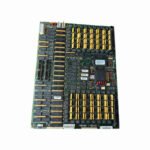
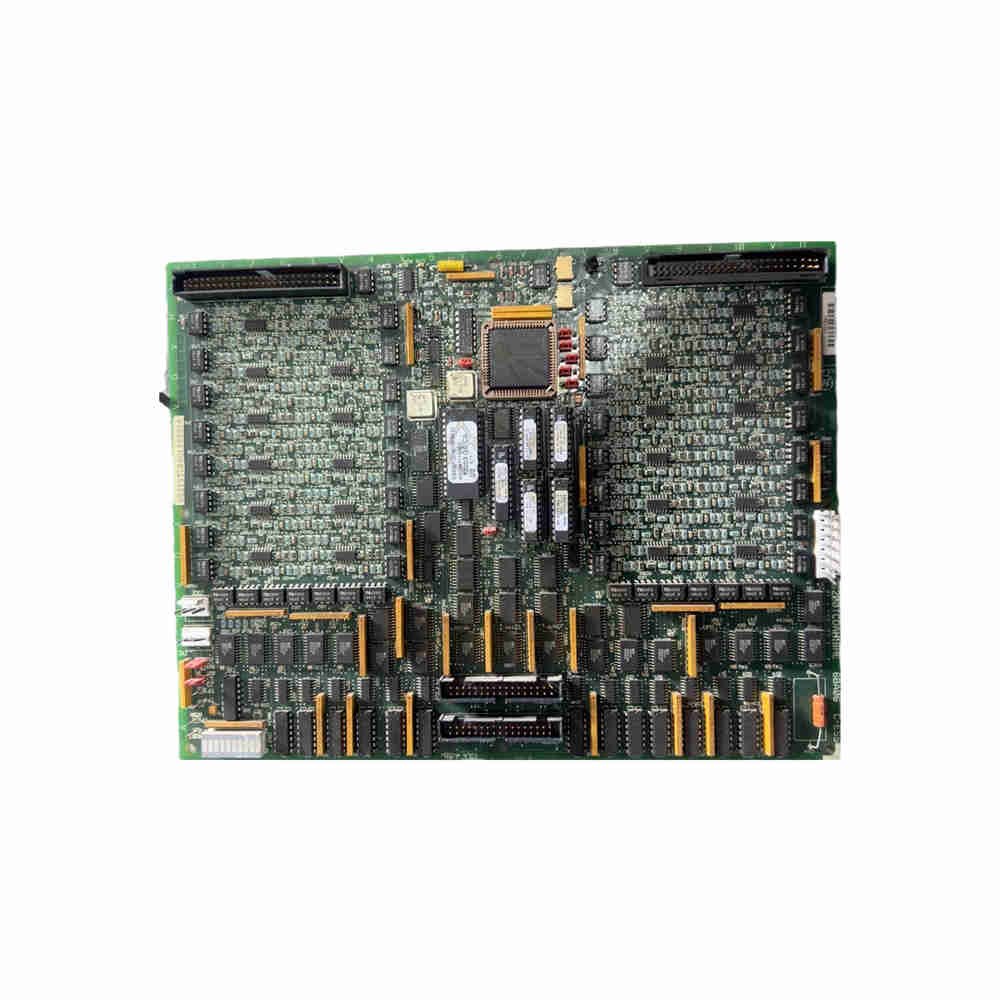
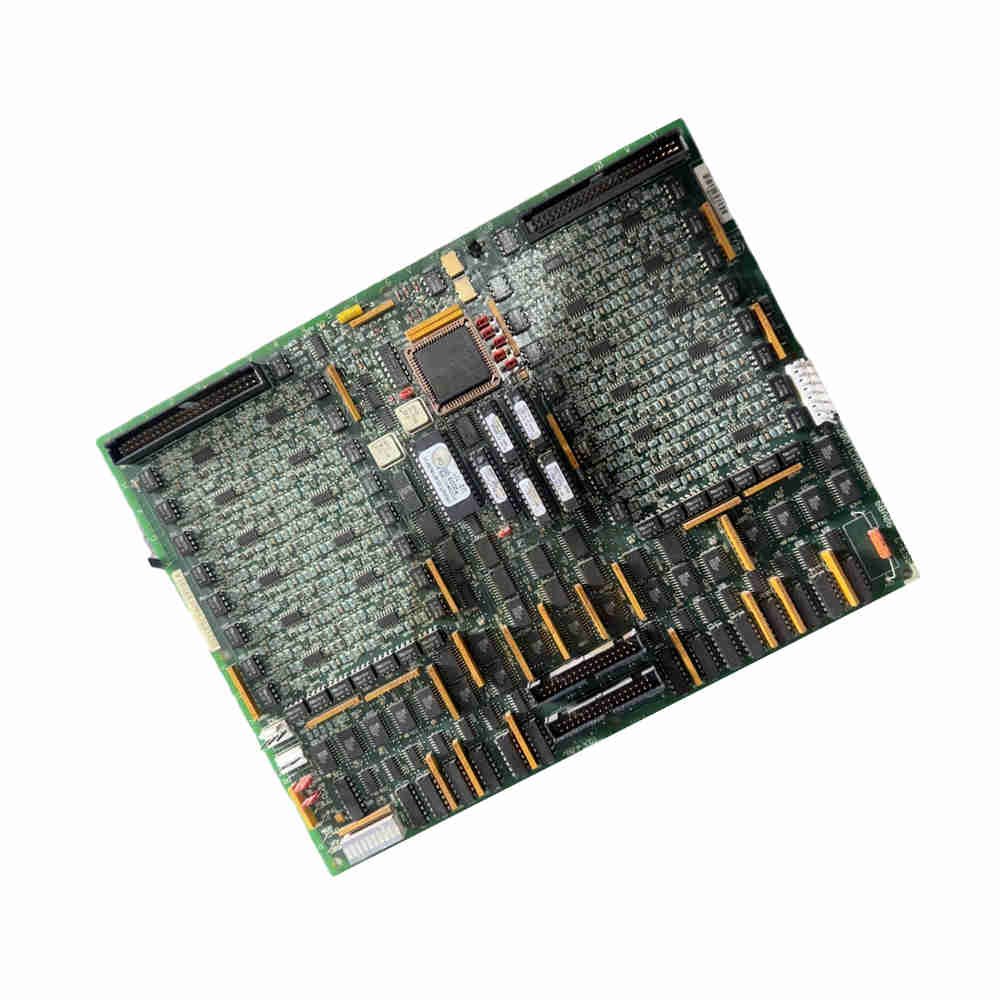
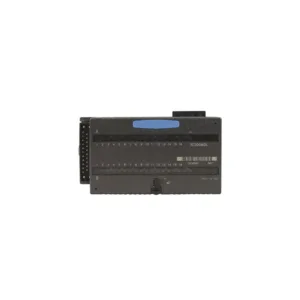
The GE DS215TCDAG1BZZ01A is a digital I/O board from the Mark V series. It comes with firmware included (ZZ01A option). This board processes contact input and output signals for turbine control systems. Made in USA.
What This Board Does
– Processes digital contact input signals from DTBA and DTBB boards – Handles relay and solenoid output signals – Sends signals through IONET to TCQC and CTBA boards – Located in digital I/O cores Q11, Q51, and Q21 – Works with both AC and DC motor drives
Key Features at a Glance
– Eight hardware jumpers for configuration – Software-controlled contact input inversions – Timestamps all state changes – Works with GEH-6195 manual – B-rated functional revision – One revision included
Technical Specifications
– Brand: General Electric (GE) – Part number: DS215TCDAG1BZZ01A – Series: Mark V – Product type: Digital I/O Board with Firmware – Manual: GEH-6195 – Optional firmware: ZZ01A – Revision quantity: 1 Revision – Country of manufacture: United States (USA)
Model Number Breakdown
 DS215TCDAG1BZZ01A │ │ │ │ │
└─ ZZ01A = Optional firmware package │ │ │ │
└─── B = B-rated functional revision │ │ │
└───── 1 = Group one product grouping │ │
└─────── G1 = Normal PCB coating style │
└───────── TCDA = Functional product abbreviation
└────────────── DS215 = Mark V series assembly
Connector Guide
JP Connector – Carries power from TCPS board to Q11, Q21, and Q51 cores – Routes power through R1, R2, and R5 cores
JQ Connector
Links DTBA board JQR socket to I/O boards
Transports contact input signals from DTBA
JR Connector
Connects DTBB board JRR socket to I/O boards
Transmits contact input signals from DTBB
JO1 and JO2 Connectors
Send contact output signals to TCRA board
JO1 goes to position four, JO2 to position five
JX1 and JX2 Connectors
Shielded twisted pair for IONET signals
Q11 writes to JX2 on TCEA board (position five, P1 core)
Q51 writes to JX connection on CTBA (R5 core)
Hardware Jumpers
– J1 and J8 – Factory testing only – J2 and J3 – Connect IONET termination resistors – J4, J5, and J6 – Set board’s IONET ID – J7 – Controls stall timer – See Appendix A in manual for jumper settings
Software Configuration
– SDCC contains main control circuits and software – I/O configuration editor on HMI sets contact input inversions – Use software for signal inversions, not hardware – General-purpose interface circuits connect to other boards
Contact Input Circuit Flow
– Signals come from DTBA and DTBB terminal boards – Travel through JR and JQ connectors to TCDA board – Board conditions the signals – Board timestamps any state changes – Sends processed signals to IONET via JX1 or JX2
Installation Guide
– Locate board in digital I/O cores Q11, Q51, or Q21 – Connect JP connector for power from TCPS board – Plug JQ and JR for DTBA and DTBB input signals – Use JO1 and JO2 for TCRA board output signals – Connect JX1 and JX2 for IONET communication – Set hardware jumpers before powering up
Debugging & Maintenance
– Check jumper settings against Appendix A – Use operator interface to verify IONET ID – Monitor timestamp changes for signal issues – Verify contact input inversions in HMI software – No special tools needed for jumper configuration
Compatibility
– Works with DTBA and DTBB terminal boards – Connects to TCRA boards in positions four and five – Communicates with TCQC board in R1, R2 – Interfaces with CTBA terminal board in R5 – Supports both AC and DC motor drives
What’s in the Box
– 1 x DS215TCDAG1BZZ01A I/O board – Firmware pre-installed (ZZ01A) – No cables included – No mounting hardware included – Manual available as GEH-6195 (download)
Warranty & Shipping
– 12 months warranty from purchase date – Covers manufacturing defects and firmware issues – Shipping methods: FedEx, UPS, DHL – Fast worldwide delivery available
Typical Applications
– GE Mark V turbine control systems – Digital contact input monitoring – Relay and solenoid output control – AC and DC motor drive systems – Industrial power generation
Diagnostic Capabilities
– Timestamps every contact state change – IONET communication monitoring – Stall timer control via J7 jumper – Software-based signal inversion verification – LED indicators on operator interface
FAQ – Frequently Asked Questions
Q1: What does the ZZ01A in the part number mean?
A: ZZ01A indicates optional firmware package included. This board comes with pre-installed firmware.
Q2: Can I use this board without setting the jumpers?
A: No. J4, J5, and J6 must set the correct IONET ID. Wrong settings stop communication.
Q3: From experience, what jumper causes the most problems?
A: J7 stall timer. Wrong setting makes the system think drives are stalled. Check J7 if you get false stall alarms.
Q4: Why do my contact input signals show wrong states?
A: Check the I/O Configuration Editor on your HMI. Signal inversions are set in software, not hardware.
Q5: Does this board work with newer GE control systems?
A: No. This DS215TCDAG1BZZ01A works only with Mark V systems. Newer Mark VI and Mark VIe use different boards.
Q6: Where can I find the jumper settings for my setup?
A: See Appendix A in manual GEH-6195. Also check the hardware jumper screen on operator interface.
Q7: What does the 12 month warranty cover exactly?
A: Warranty covers board failure from normal use. It does not cover damage from wrong jumper settings or wrong wiring.
Q8: Which shipping method is best for urgent repairs?
A: DHL Express for international. FedEx Priority for North America. UPS Next Day Air for Europe.
Selection Guide
– Step 1: Confirm your system is GE Mark V series – Step 2: Check which core you need (Q11, Q51, or Q21) – Step 3: Verify you need digital I/O (not analog) – Step 4: Decide if you need ZZ01A firmware option – Step 5: Review jumper requirements for your application – Pro tip: Buy a spare board. Mark V parts become harder to find each year. One spare prevents long turbine downtime.
Need help with board selection or jumper configuration? Contact our team.
Contact Information
For inquiries: +86 158 8020 0923 (WhatsApp)
Copyright © 2026 PLCDCS HUB Limited. All rights reserved.
Original Source: https://plcdcshub.com/
Partner: Powergear X Automation Limited
Partner: Oiltech Controls Limited
0.0 Average Rating Rated (0 Reviews)