






Description
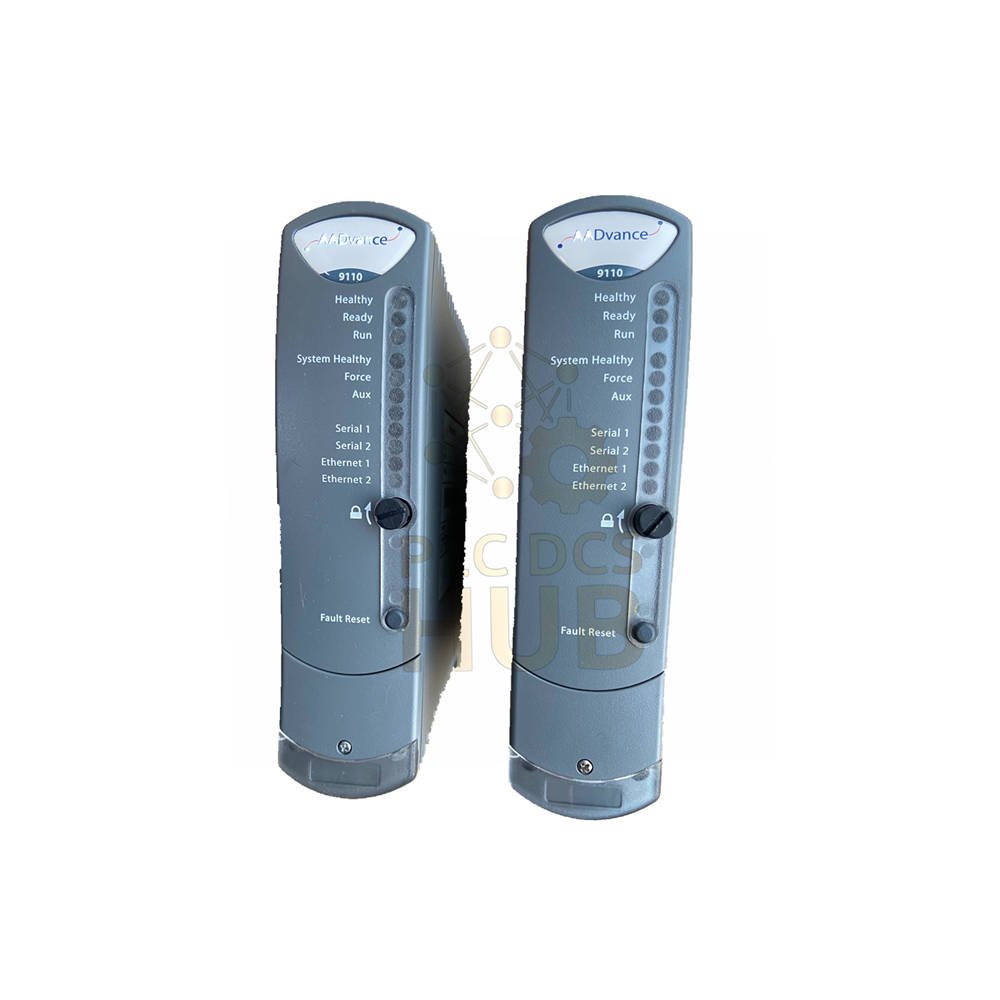
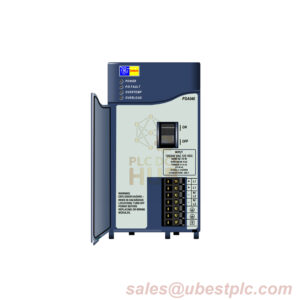
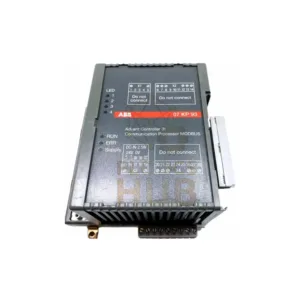
LED Status Indicators – At a Glance
- Ready
- OFF: No power / Recovery Mode (newer versions)
- RED: Booting (10-20s) / not synced / shutdown
- Flashing GREEN: Being educated or synced
- GREEN: Educated and synced
- AMBER: Recovery Mode (older versions)
- Run
- OFF: No power / booting / Recovery Mode (old)
- RED: Not synced / no app / Recovery Mode running firmware
- GREEN: App loaded and running
- AMBER: Recovery Mode (old versions)
- System Healthy
- OFF: No power / booting
- RED: Fault on any module / app stopped due to Recovery
- GREEN: No faults / or system in Recovery Mode
- Force
- OFF: No power / booting
- GREEN: No forced variables
- AMBER: Recovery Mode / or at least one forced variable
- Aux
- OFF: No power / booting / or under app control
- GREEN: Under app control
- AMBER: Under app control or Recovery Mode
- Serial 1 & 2
- OFF: No power / booting
- RED: Tx activity (stretched pulse)
- GREEN: Rx activity (stretched pulse)
- AMBER: Fast Tx/Rx toggling
- Ethernet 1 & 2
- OFF: No power / booting
- GREEN: Link present
- AMBER: Tx or Rx traffic
- Healthy
- OFF: No power
- RED flash: Brief flash after install while booting
- Continuous RED: Module fault
- GREEN: Boots to green (10-20s) then stays green. Also green in Recovery Mode if no fault.
- Fault hint: If Healthy green but all others OFF → module failed to boot.
- Fault hint: If Healthy green + Ready red + Run red → module in shutdown state.
Install – T9110 Processor Module
- Check module for damage before inserting.
- Record label details – labels hide after install.
- When using multiple processors, ensure same firmware build on all.
- Match coding pegs on T9100 base unit with sockets on module rear.
- Place module onto pegs. Keep locking screw slot vertical.
- Push home until connectors fully mate.
- Turn locking screw clockwise with 9mm flat blade screwdriver to lock.
Replace Backup Battery (T9110)
- Official battery: T9905 (Panasonic BR2032).
- Type: Polycarbon monofluoride Lithium Coin.
- Diameter: 20 mm. Voltage: 3 V. Capacity: 190 mAh.
- Continuous load: 0.03 mA. Temp range: -30°C to +80°C.
Manual Real Time Clock (RTC) Setup
- Needed for single controller without time server.
- Use RTC variables in Dictionary.
- RTC Control (Boolean Outputs): RTC_Read, RTC_Write, Year, Month, Day of Month, Hours, Minutes, Seconds, Milliseconds.
- RTC Status (Word Inputs): Year, Month, Day of Month, Hours, Minutes, Seconds, Milliseconds.
- RTC Program Rack Variables: Year, Month, Day of Month, Hours, Minutes, Seconds, Milliseconds.
Technical Specs (T9110)
- Weight: 430 g
- Heat Dissipation: 8.0 W (27.3 BTU/hr)
- Power Consumption: 8.0 W
- Backplane Voltage Range: 18-32 Vdc
- Maximum Current: 380 mA
- Max Surrounding Air Temp: 60 °C
FAQ – Practical Answers
- What warranty comes with T9110?
12 months from ship date. Covers factory defects. - Which couriers do you use?
FedEx, UPS, DHL worldwide express. - My T9110 shows Healthy green but no other lights. What now?
Module failed to boot. Try re-seating or check backplane power. - Can I mix T9110 with older firmware in same chassis?
No – all processors must have identical firmware build. - Battery low? How to choose equivalent?
Use BR2032 (3V, 190 mAh, -30 to +80°C). Avoid non-industrial CR2032.
Quick Selection Guide
- Need Redundant Trusted TMR processor? Choose T9110.
- Check your backplane: must be T9100 base unit.
- Confirm firmware matches all installed processors.
- For battery life >5 years, use official T9905.
Copyright © 2026 PLCDCS HUB Limited. All rights reserved.
Original Source: https://plcdcshub.com/
Partner: Powergear X Automation Limited
Oiltech Controls Limited




0.0 Average Rating Rated (0 Reviews)