




Description
Product Overview
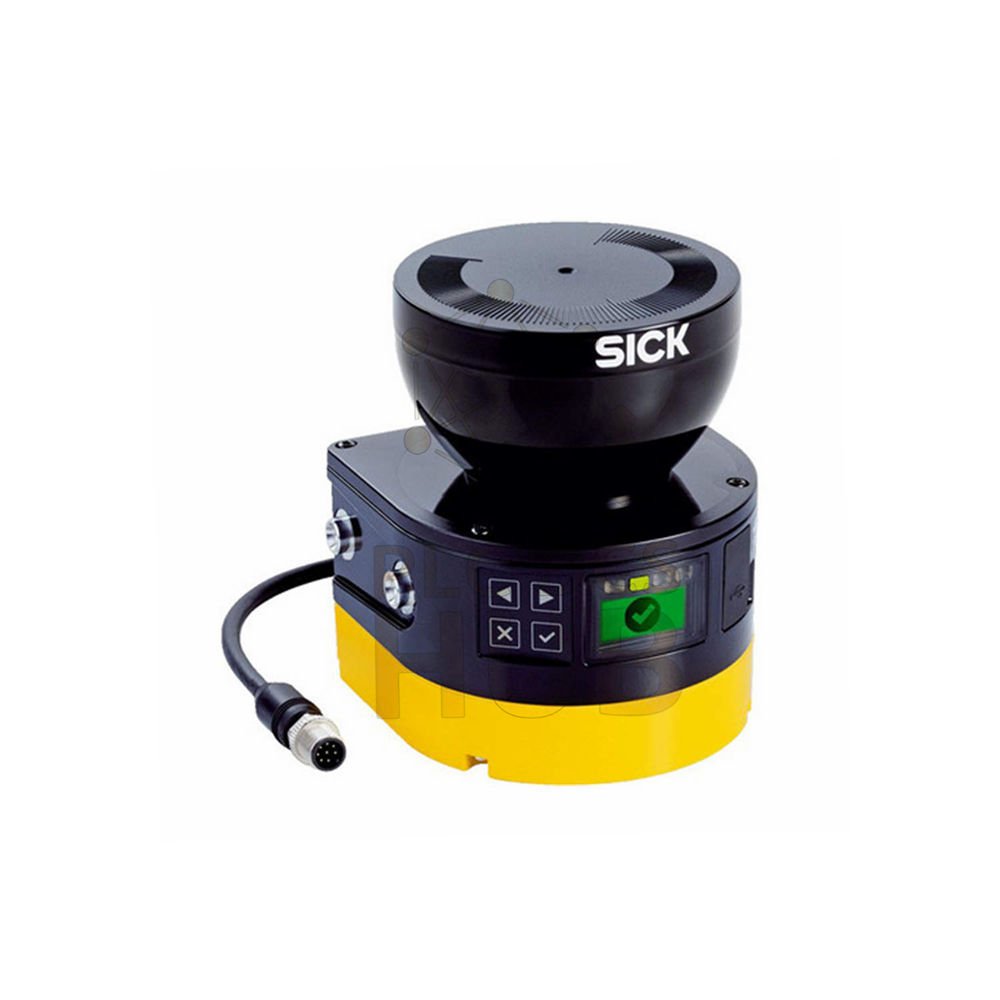
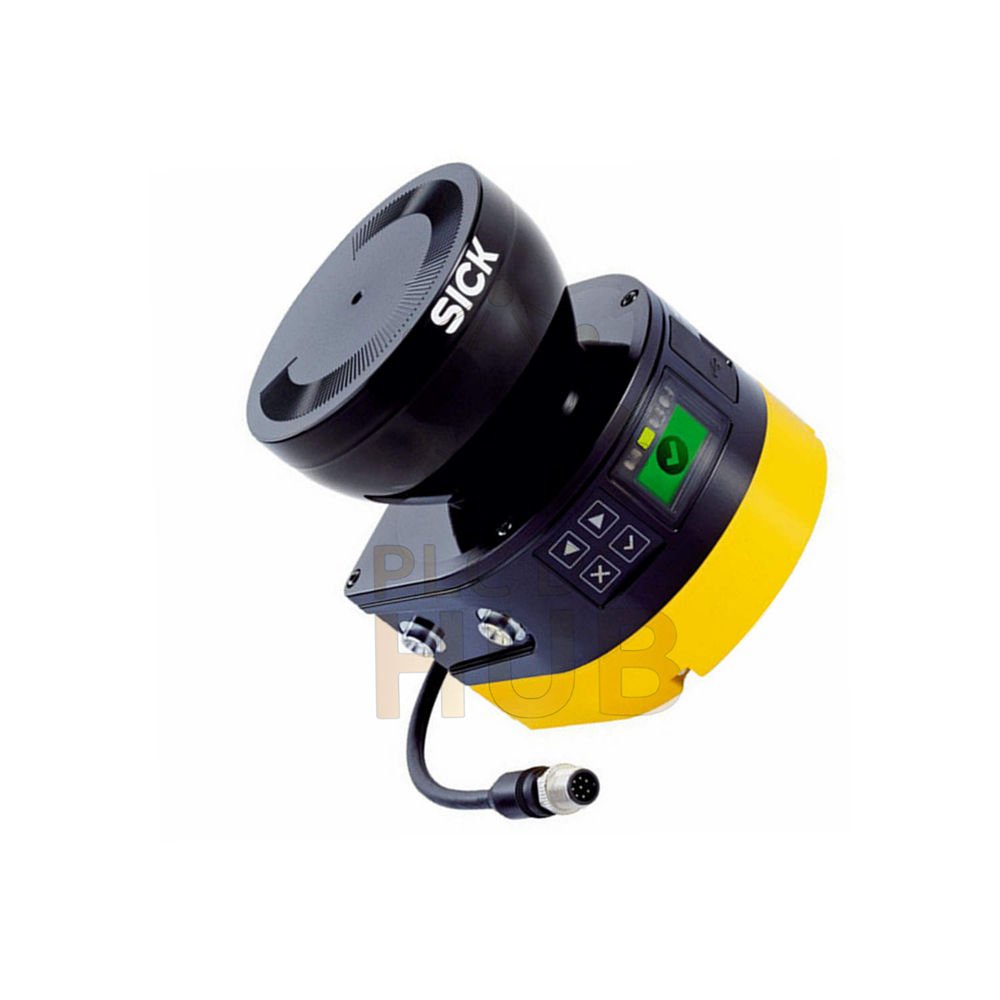
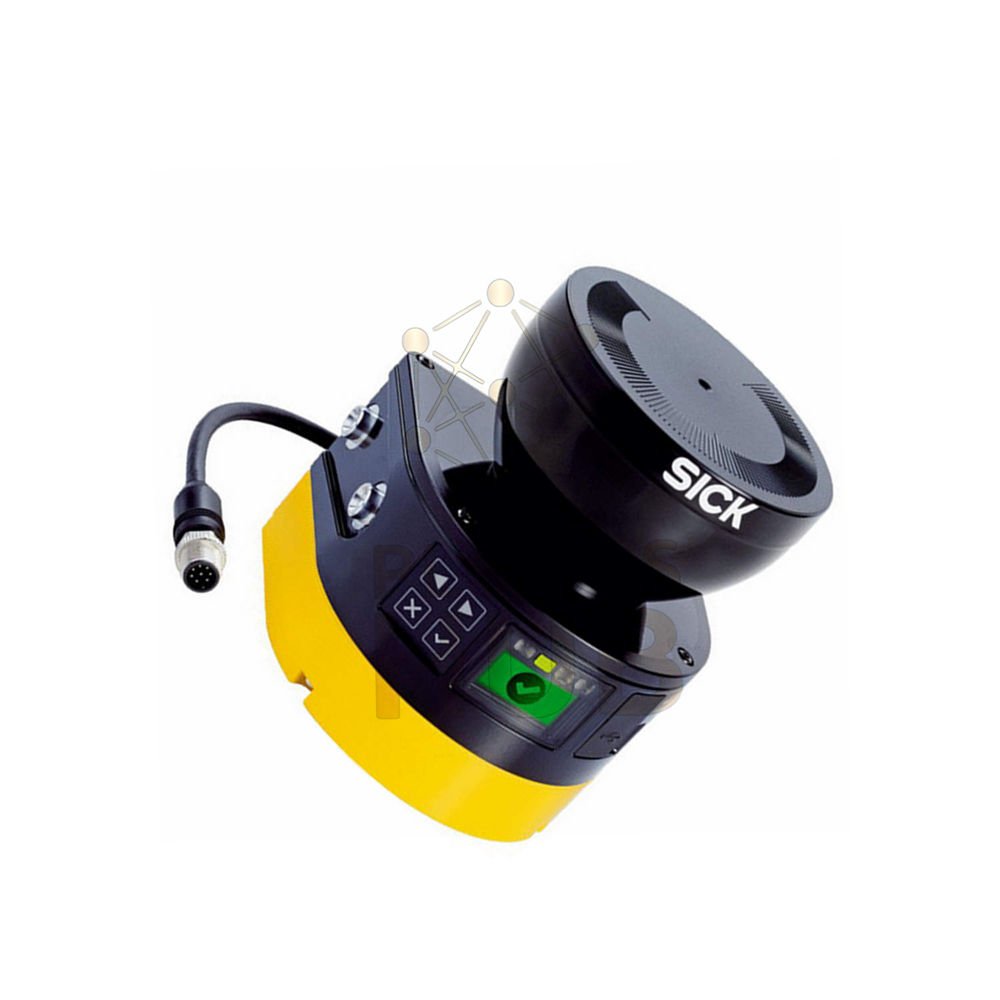
The SICK MICS3-AAAZ40AZ1P01 is a microScan3 safety laser scanner. It monitors large areas with a 275° scanning angle. This indoor unit provides both protective and warning fields. The graphic display shows status information clearly. Use it for mobile or stationary machine guarding.
Why This Scanner Stands Out
Very wide scan angle – 275° covers almost a full circle
Long warning range – detects hazards up to 40 meters away
Flexible resolution – choose from 30mm to 200mm
Color graphic display – easy to read and diagnose
Safe for eyes – Laser Class 1, no special goggles needed
Technical Specifications
• General Information
Brand: SICK
Model: MICS3-AAAZ40AZ1P01
Series: microScan3
Product version: microScan3 Core I/O
Application: Indoor
• Field Ranges and Coverage
Protective field range: 4 meters
Warning field range: 40 meters
Scanning angle: 275°
Protective field supplement: 65 mm
Number of fields: 8
Simultaneous fields: ≤ 4
Monitoring cases: 2
• Resolution and Response
Configurable resolution: 30, 40, 50, 70, 150, or 200 mm
Angular resolution: 0.39°
Response time: 70 ms
• Safety Ratings
Type: Type 3 (IEC 61496)
SIL: SIL 2 (IEC 61508)
Category: Category 3 (EN ISO 13849)
Performance Level: PL d (EN ISO 13849)
PFHD: 8.0 x 10⁻⁸
Mission time: 20 years
Safe state: At least one OSSD turns OFF
• Electrical Data
Protection class: III (EN 61140)
Supply voltage: 24 V DC (16.8 to 30 V)
Power consumption: 7 W typical (no output load)
OSSD pairs: 1
Universal I/Os: 3
• Connections and Configuration
Connection type: Male M12, 8-pin, A-coded
Configuration method: PC with Safety Designer software
Diagnostics interface: USB 2.0, Mini-USB
Display elements: Graphic color display plus LEDs
• Mechanical Data
Dimensions (W x H x D): 112 mm x 135.1 mm x 111.1 mm
Weight: 1.15 kg
Housing material: Aluminum
Housing color: RAL 1021 (yellow) and RAL 9005 (black)
Optics cover: Polycarbonate with scratch-resistant coating
• Environmental Protection
Enclosure rating: IP65 (IEC 60529)
Ambient light immunity: ≤ 40 klx (IEC 61496-3)
Operating temperature: -10°C to +50°C
Storage temperature: -25°C to +70°C
Continuous shock: 100 m/s² at 16 ms, 150 m/s² at 6 ms
• Laser Information
Light type: Pulsed laser diode
Wavelength: 845 nm
Laser class: 1 (safe for eyes)
Detectable remission: 1.8% to several 1000%
Installation Guide
Mount the scanner at a height between 200 mm and 300 mm from the floor. Point the scanning plane horizontally. Connect the M12 8-pin male connector for power and I/O. Use a PC with Safety Designer software to configure fields. Download settings via the Mini-USB port. Test the protective field with a test rod before operation.
Debugging and Maintenance
Check the graphic color display for error codes. The LEDs show power and OSSD status. Use Safety Designer software for advanced diagnostics. Clean the optics cover with a soft cloth. Do not use abrasive materials on the scratch-resistant coating. The scanner performs self-checks continuously.
Compatibility
This scanner works with most PLC systems. It integrates easily with Versamax controllers. The OSSD pair connects to safety relays or safety PLCs. Universal I/Os support various input and output devices.
Typical Applications
Mobile robot collision avoidance
Automated guided vehicle (AGV) safety
Machine access area monitoring
Stationary press guarding
Warehousing aisle protection
Package Contents
MICS3-AAAZ40AZ1P01 scanner unit
System plug (included)
Quick start guide
Safety instructions
Download link for Safety Designer software
Does not include mounting brackets or cables
Warranty and Shipping
We offer a 12-month warranty covering factory defects. We ship worldwide using FedEx, UPS, or DHL. Express delivery options are available at checkout.
Frequently Asked Questions (FAQ)
Q: What is the difference between protective field and warning field?
A: The protective field stops the machine when someone enters. The warning field gives an alert without stopping.
Q: Can I use the MICS3-AAAZ40AZ1P01 outdoors?
A: No. This version is rated for indoor use only. Direct sunlight may exceed the 40 klx ambient light limit.
Q: How do I configure the 8 fields?
A: Use SICK Safety Designer software on a Windows PC. Connect via Mini-USB cable. The software is free to download.
Q: Why choose this scanner over a light curtain?
A: A scanner covers 275° and works with mobile machines. A light curtain only protects one plane.
Q: What happens during a power loss?
A: The scanner restarts automatically when power returns. It performs a self-check before enabling OSSD outputs.
Q: Can I mount this scanner at an angle?
A: No. The scanning plane must be level. Angled mounting creates blind spots.
Q: How often should I clean the optics?
A: Clean weekly in dusty environments. Clean monthly in clean indoor areas. Use only approved cleaning methods.
Purchasing Guidance
First, measure your protected area. The 4 meter protective field fits most indoor applications. Second, choose your resolution. Use 30 mm or 40 mm for body detection. Third, check your ambient temperature. The scanner works from -10°C to +50°C. Fourth, verify your controller has M12 8-pin connection. Fifth, order spare system plugs for quick replacement. Finally, buy the MICS3-AAAZ40AZ1P01 as a complete unit. The scanner, system plug, and software are all included.
Contact Information
For inquiries, please reach us on WhatsApp:
+86 158 8020 0923
Copyright © 2026 PLCDCS HUB Limited. All rights reserved.
Original Source: https://plcdcshub.com/
Partners:
Powergear X Automation Limited
Oiltech Controls Limited


0.0 Average Rating Rated (0 Reviews)