





_副本-副本-300x300.webp)
Description
Product Overview
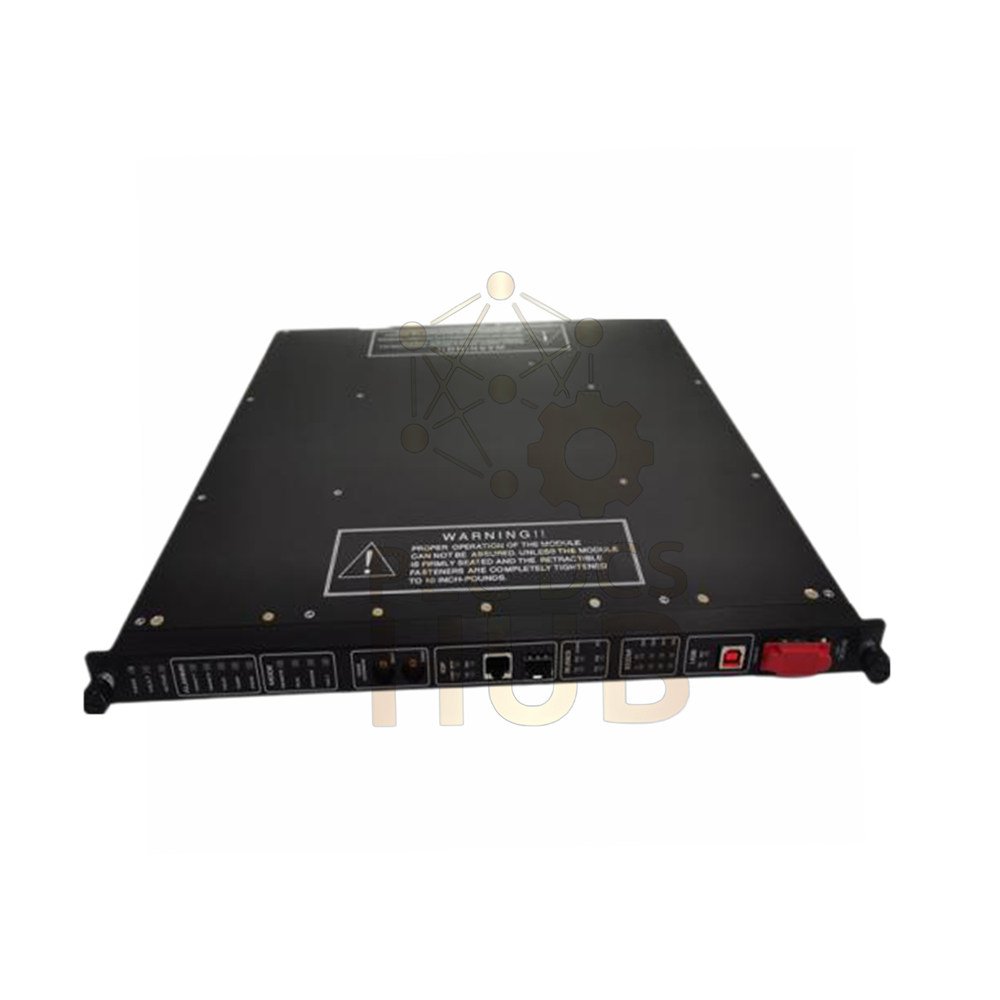
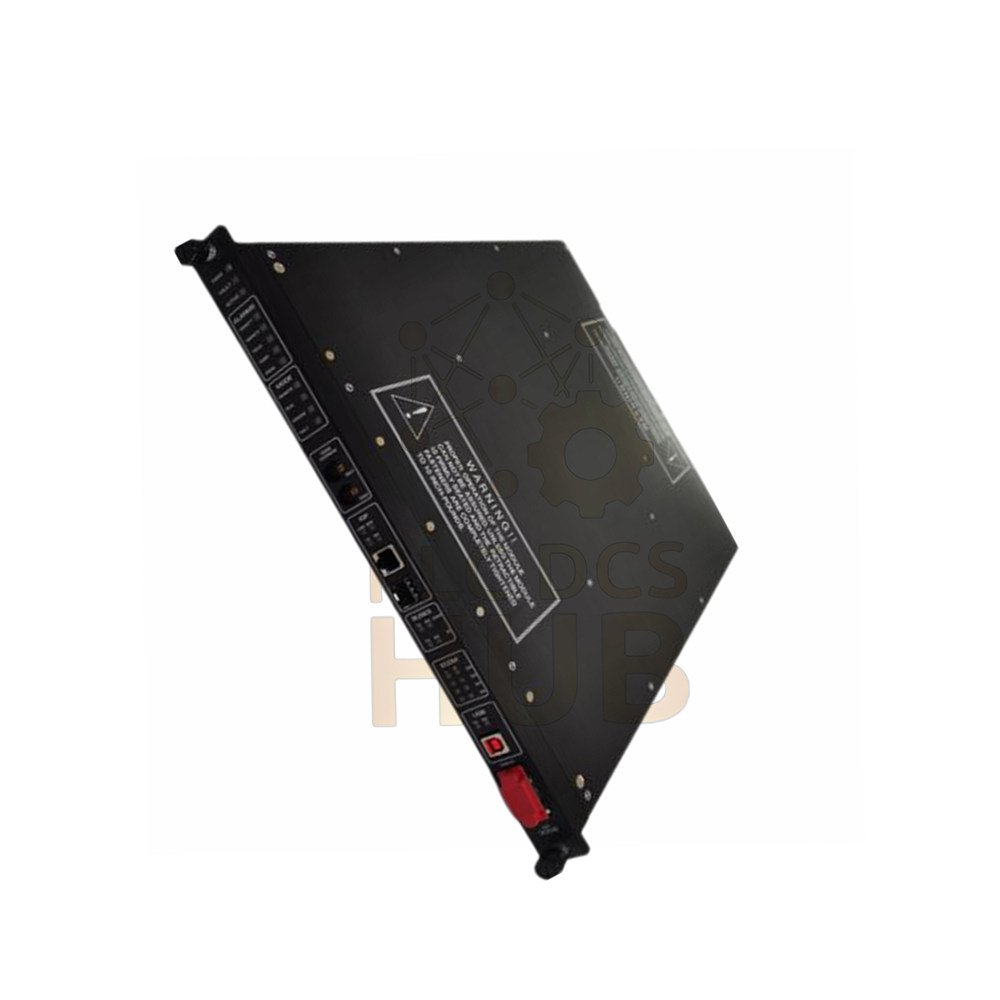
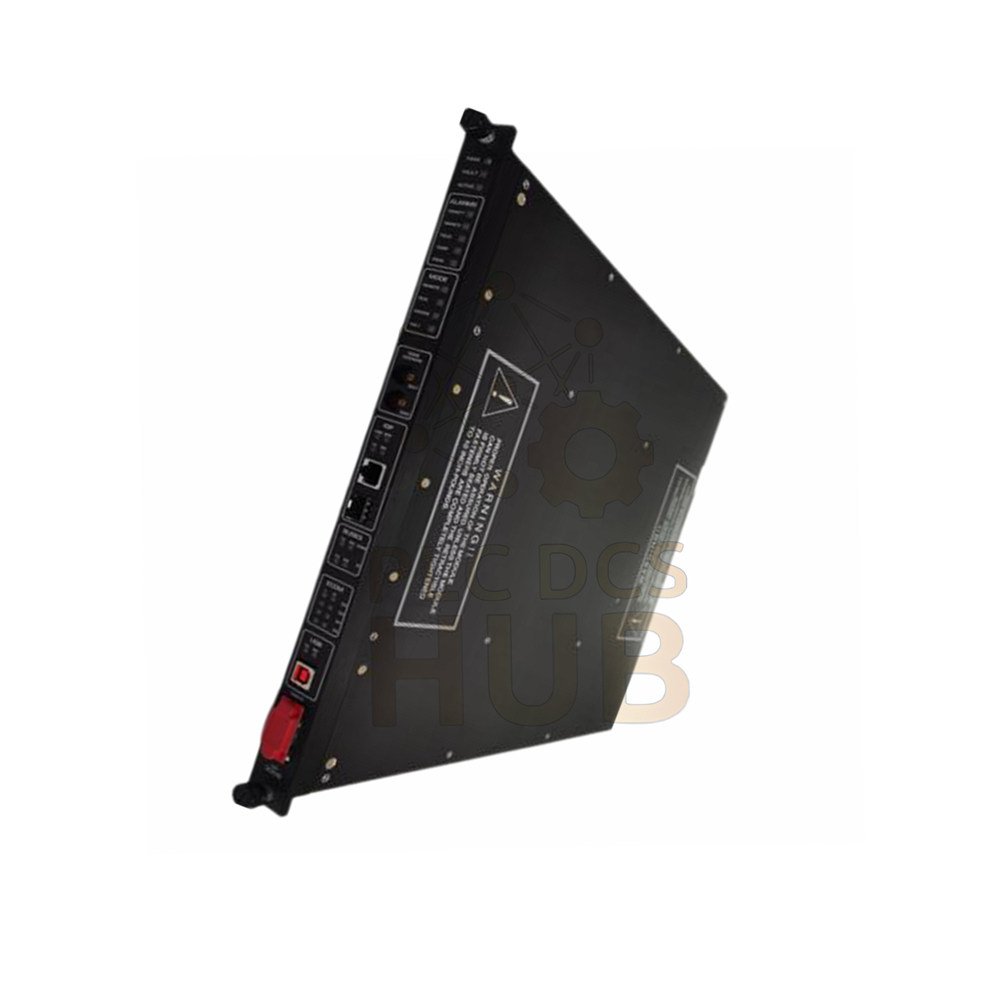
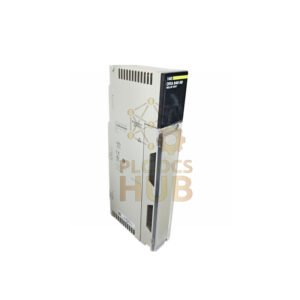
The Tricon Communication Module 4351A is only compatible with Tricon v10.0 and newer systems. As a result, it connects these controllers to TriStation, other Tricon or Trident units, Modbus devices, and external hosts. Furthermore, this module features four serial ports, two network ports, and one debug port. Each serial port receives a unique address. For instance, port 1 supports Modbus or Trimble GPS, whereas port 4 supports Modbus or TriStation. Consequently, you must assign a five-digit alias to each Tricon variable that a Modbus device accesses. Additionally, a single Tricon system supports up to four TCMs in two logical slots. Please note that the hot-spare feature is unavailable for the TCM. Nevertheless, you can replace a faulty unit while the controller stays online.
For inquiries: +86 158 8020 0923 (WhatsApp)
Technical Specifications
General Information
- Brand: Triconex (part of Schneider Electric)
- Model Number: 4351A, 4352A, 4353, 4354
- Product Type: Communication Module (TCM)
- Compatibility: Tricon v10.0 and later systems only
Ports and Interfaces
- Serial Ports: 4 ports, RS-232/RS-485, DB-9 connectors
- Network Ports (Model 4351A & 4353): 2 copper Ethernet ports (10/100BaseT, RJ-45)
- Network Ports (Model 4352A & 4354): 2 fiber-optic Ethernet ports (MTRJ connectors, 62.5/125 um fiber)
- Debug Port: 1 port (for Triconex use only)
- Port Isolation: 500 VDC
Communication Speed & Protocols
- Copper Ethernet Speed: 10/100 Mbps
- Fiber Ethernet Speed: 100 Mbps
- Serial Port Speed: Up to 115.2 Kbps per port
- Aggregate Data Rate (all 4 serial ports): 460.8 Kbps
- Supported Protocols: TriStation, Modbus (RTU/TCP), TCP/IP, ICMP, SNTP, TSAA, Trimble GPS, Peer-to-Peer, Peer-to-Peer Time Sync, Jet Direct (network printing)
Modbus Functions Supported
- 01 – Read Coil Status
- 02 – Read Input Status
- 03 – Read Holding Registers
- 04 – Read Input Registers
- 05 – Modify Coil Status
- 06 – Modify Register Content
- 07 – Read Exception Status
- 08 – Loopback Diagnostic Test
- 15 – Force Multiple Coils
- 16 – Preset Multiple Registers
Status Indicators
- PASS, FAULT, ACTIVE, FIRM
- LINK – one per network port
- TX (Transmit) – one per serial port
- RX (Receive) – one per serial port
Environmental & Electrical Data
- Temperature Range (operating): 0 to 60°C (32 to 140°F)
- Temperature Range (storage): -40 to 85°C (-40 to 185°F)
- Humidity Tolerance: 5% to 95% non-condensing
- Noise Immunity: Meets IEC 61000-4 standards for industrial environments
- MTBF: High reliability for continuous operation
Installation Guide
- First, insert the TCM into a compatible Tricon chassis (v10.0 or newer).
- Then, remember that each TCM uses two logical slots. A maximum of four TCMs per system.
- Do not mix different TCM models (e.g., 4351A and 4352A) in the same logical slot.
- After that, connect serial devices using DB-9 connectors. Set port configuration via TriStation.
- Use CAT5e or better cable for copper Ethernet ports (RJ-45).
- For fiber models (4352A, 4354), use 62.5/125 um fiber cables with MTRJ connectors.
- Next, assign aliases in TriStation for any Modbus variable access.
- Finally, power on the controller. Check PASS and ACTIVE LEDs.
Debugging & Maintenance Convenience
- For example, replace a faulty TCM while the controller remains online – no system shutdown needed.
- Use the debug port (Triconex use only) for advanced diagnostics.
- Moreover, LED indicators (PASS/FAULT/ACTIVE) show module health at a glance.
- Run Modbus loopback diagnostic test (function 08) to verify communication.
- Likewise, firmware updates are available via TriStation over Ethernet.
Compatibility Notes
- Works with Modicon Quantum and other standard Modbus devices.
- Aliases required for all Tricon variables accessed by Modbus devices.
- Peer-to-Peer protocol only available on NET 1 port (not NET 2).
- Hot-spare not supported. Use online replacement for redundancy.
- Supports Tricon, Trident, and TriStation communication.
Certifications
- CE marked for EU compliance
- UL listed for industrial control equipment
- Class I, Division 2 hazardous locations (pending specific model verification)
- Meets IEC 61131-2 requirements
Package Contents & Warranty
- Package: 1 x Tricon Communication Module (model as ordered), Quick start guide, Warranty card
- Warranty: 12 months from delivery date. Covers manufacturing defects.
- Shipping carriers: FedEx, UPS, DHL (express worldwide).
Typical Applications
- Connecting Tricon controllers to Modbus RTU or TCP/IP networks
- Peer-to-peer data exchange between multiple Tricon or Trident systems
- TriStation programming and monitoring over Ethernet
- GPS time synchronization via Trimble GPS on serial port 1
- Network printing (Jet Direct) for log reports
Diagnostic Capabilities
- Built-in loopback test (Modbus function 08)
- LED status: PASS, FAULT, ACTIVE, FIRM, LINK, TX, RX
- Read exception status (Modbus function 07) for fault isolation
- Real-time error counters available via TriStation
Frequently Asked Questions (FAQ)
What is the difference between 4351A and 4352A?
4351A uses copper Ethernet (RJ-45, 10/100BaseT). In contrast, 4352A uses fiber-optic Ethernet (MTRJ connectors, 100 Mbps).
Can I use hot-spare with this TCM?
No. Hot-spare is not available. However, you can replace a failed TCM while the controller runs online.
How many Modbus devices can connect?
The system supports a total of 32 Modbus masters or slaves. This total includes both serial ports and network ports together.
Do I need an alias for every variable?
Yes. As a rule, assign a five-digit alias in TriStation for each Tricon variable that a Modbus device reads or writes.
What happens if I mix different TCM models in one slot?
Mixing models in the same logical slot is not allowed. Therefore, use identical models per slot.
Experience-Based Q&A & Selection Guide
I see FAULT LED on. What should I check first?
First, check power supply to the Tricon chassis. Then verify that the TCM is fully seated in its slot. Finally, restart the controller if needed.
Serial communication is slow. How to improve?
Each serial port can run up to 115.2 Kbps. For this reason, check cable length. RS-232 max is 15 meters, whereas RS-485 max is 1200 meters. Also, reduce network traffic if aggregate exceeds 460.8 Kbps.
Can I connect this TCM to a non-Tricon PLC?
Yes. As long as the device speaks Modbus RTU or Modbus TCP/IP, it will work. Nevertheless, use proper aliases on the Tricon side.
Fiber port has no link. What to do?
First, inspect fiber cables for bends or breaks. Next, clean MTRJ connectors. Also, verify both ends use 62.5/125 um fiber.
How to choose the right model?
Choose 4351A for standard copper Ethernet (RJ-45) in non-harsh environments. On the other hand, select 4352A for fiber-optic Ethernet in electrically noisy or long-distance runs. Choose 4353 if you need copper ports with a specific revision level. Finally, pick 4354 for fiber ports with revised hardware. Do not mix copper and fiber models in the same logical slot. For Peer-to-Peer Time Sync, always use NET 1 port.
Contact & Support
For technical sales and application support: +86 158 8020 0923 (WhatsApp)
Copyright © 2026 PLCDCS HUB Limited. All rights reserved.
Original Source: https://plcdcshub.com/
Partners: Powergear X Automation Limited | Oiltech Controls Limited




0.0 Average Rating Rated (0 Reviews)