





Description
Product Introduction
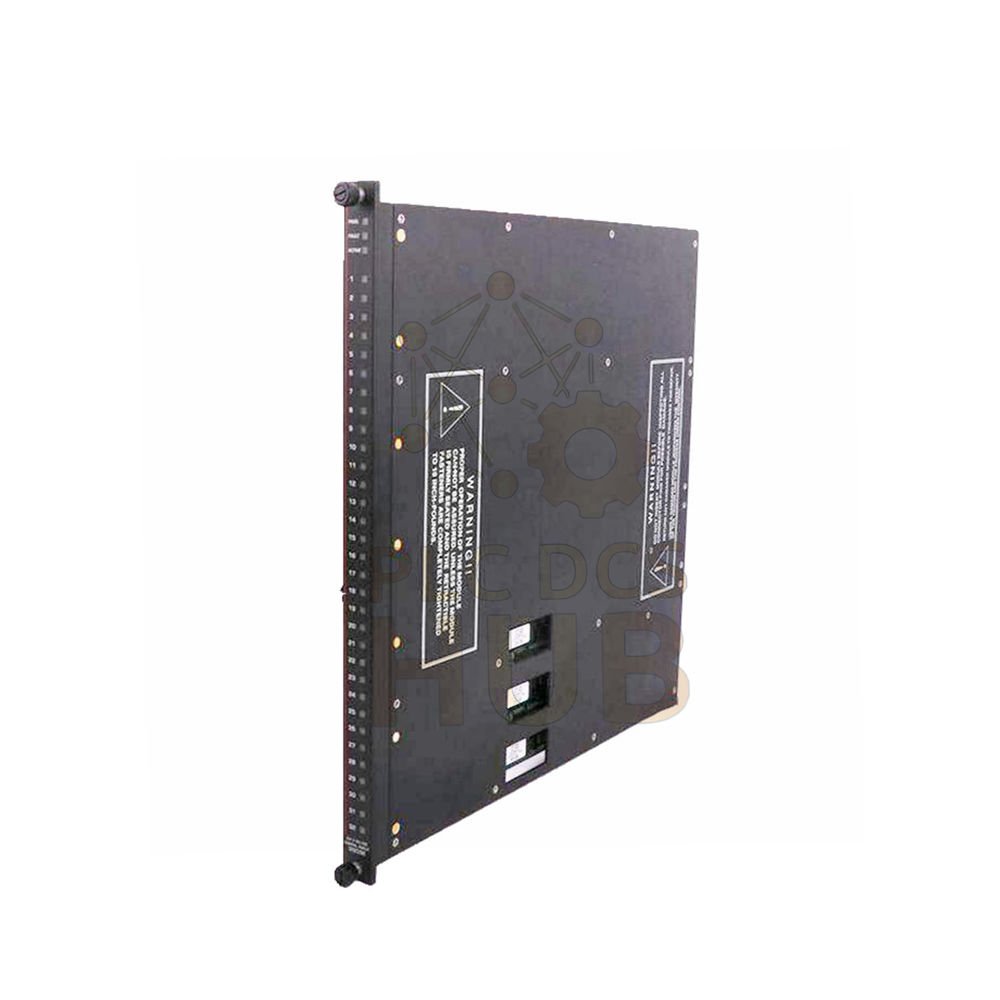
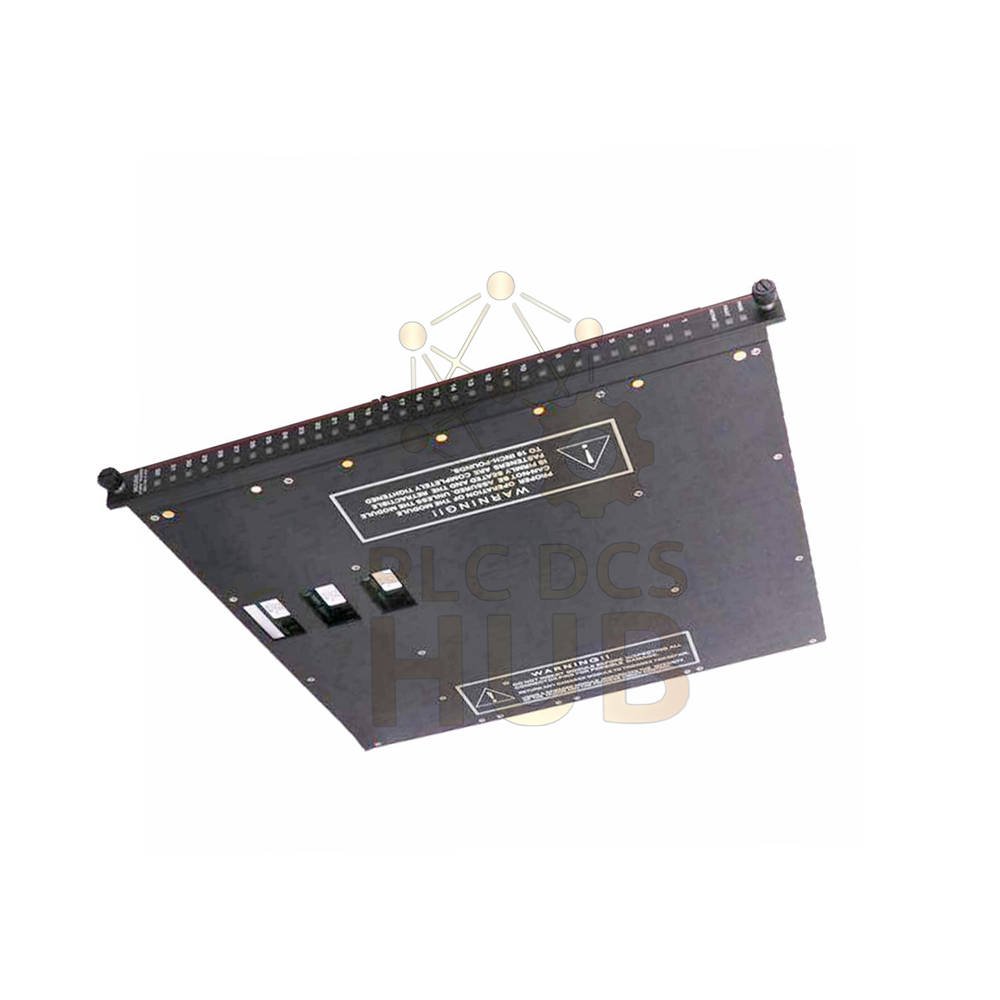
Enhanced Intelligent Communication Module (EICM) Model 4119A
The Model 4119A EICM bridges your Tricon system with external devices. It connects to Modbus masters, slaves, TriStation, and printers. This module supports concurrent operation of four serial ports and one parallel port. As a result, two EICMs fit in one logical slot per Tricon chassis.
Key Feature: Hot replacement is allowed. Replace a faulty EICM while the controller stays online.
Contact our engineering team for selection help: +86 158 8020 0923 (Click to chat on WhatsApp)
Technical Specifications
Technical Data
Brand & Model
Brand: Tricon
Model Number: 4119A (Isolated)
Ports & Interface
Serial Ports: 4 ports (RS-232, RS-422, or RS-485)
Parallel Ports: 1 port (Centronics, isolated)
Port Isolation: 500 VDC
Protocols: TriStation, Modbus (RTU or ASCII mode)
Network Capacity
Point-to-Point (RS-232): 1 master + 1 slave
Multidrop (RS-485): 1 master + up to 32 slaves
Cable Length (RS-485): Up to 4,000 feet (1,200 meters)
Aggregate Data Rate: 57.6 kbps for all four ports
Communication Speed (Baud)
Selectable speeds: 1200, 2400, 9600, or 19200
Supported Modbus Functions (01-16)
Read Coil Status (01) | Read Input Status (02)
Read Holding Registers (03) | Read Input Registers (04)
Modify Coil Status (05) | Modify Register Content (06)
Read Exception Status (07) | Loopback Diagnostic Test (08)
Force Multiple Coils (15) | Preset Multiple Registers (16)
Diagnostic Indicators
Status LEDs: PASS, FAULT, ACTIVE
Per Port LEDs: TX (Transmit), RX (Receive)
Installation & Compatibility
Installation Guide
Place two EICMs in one logical slot per Tricon chassis.
However, the hot-spare feature is not available. Use online replacement for faulty units instead.
Select RS-232 for single master-slave pairs.
For networks with up to 32 slaves, choose RS-485.
Alias Configuration (Very Important)
Tricon uses variable names. Modbus devices, however, use numeric addresses called aliases.
Therefore, assign a five-digit alias to each Tricon variable.
These aliases define the Modbus message type and Tricon address.
Finally, use TriStation software to assign aliases.
Compatibility Note
Works with any standard Modbus device.
In addition, it works with host computers via NCM or other communication modules.
For example, it is also compatible with Modicon Quantum systems when configured correctly.
Maintenance, Environment & Logistics
Maintenance & Delivery
Troubleshooting & Maintenance
Watch the PASS/FAULT/ACTIVE LEDs for module health.
Similarly, check TX/RX LEDs per port for data flow.
Replace a faulty EICM online. Consequently, you do not need to stop the controller.
Environmental & Immunity
Industrial grade with 500 VDC port isolation.
Provides strong noise immunity for harsh factory floors.
Operating temperature suits standard industrial racks.
Packing List
Model 4119A EICM module (1 unit)
Quick start guide (digital copy)
Isolation certificate
Warranty & Shipping
Warranty: 12 months from invoice date.
Shipping Partners: FedEx, UPS, DHL.
Applications & Use Cases
Typical Applications
Connect Tricon to Modbus RTU field instruments.
Bridge Tricon to a Modbus TCP gateway via serial.
Send alarm data from Tricon to a local printer (parallel port).
Link Tricon to a SCADA master as a Modbus slave.
Connect up to 32 Modbus slave devices on one RS-485 trunk.
Frequently Asked Questions (FAQ)
FAQ & Buying Guide
Q: Can I use two EICMs for redundancy?
A: No. The EICM does not support the hot-spare feature. However, you can replace a failed unit while the system runs.
Q: How many Modbus masters per chassis?
A: Each serial port acts as one master. As a result, you get up to 7 Modbus masters per Tricon chassis.
Q: What is the max cable length for RS-485?
A: 4,000 feet (1,200 meters) using one or two twisted-pair wires.
Q: Does this module work with Modbus TCP?
A: No. This is a serial module (RTU/ASCII). Use an external serial-to-Ethernet gateway for TCP.
Q: My host computer cannot read values. What is wrong?
A: Check if you assigned a five-digit alias to the Tricon variable. Without an alias, Modbus cannot locate the data.
Buying Guide (Experience-based)
Choose RS-232 for short, direct links to one display or one slave.
Choose RS-485 for long distance or many devices (up to 32 slaves).
Check alias planning before ordering. Large projects need many unique five-digit codes.
Order one spare unit because this module is not hot-spare redundant. A spare keeps production safe.
Need help selecting the right cable or quantity? Contact us on WhatsApp
Copyright © 2026 PLCDCS HUB Limited. All rights reserved.
Original Source: https://plcdcshub.com/
Partner: Powergear X Automation Limited | Oiltech Controls Limited




0.0 Average Rating Rated (0 Reviews)