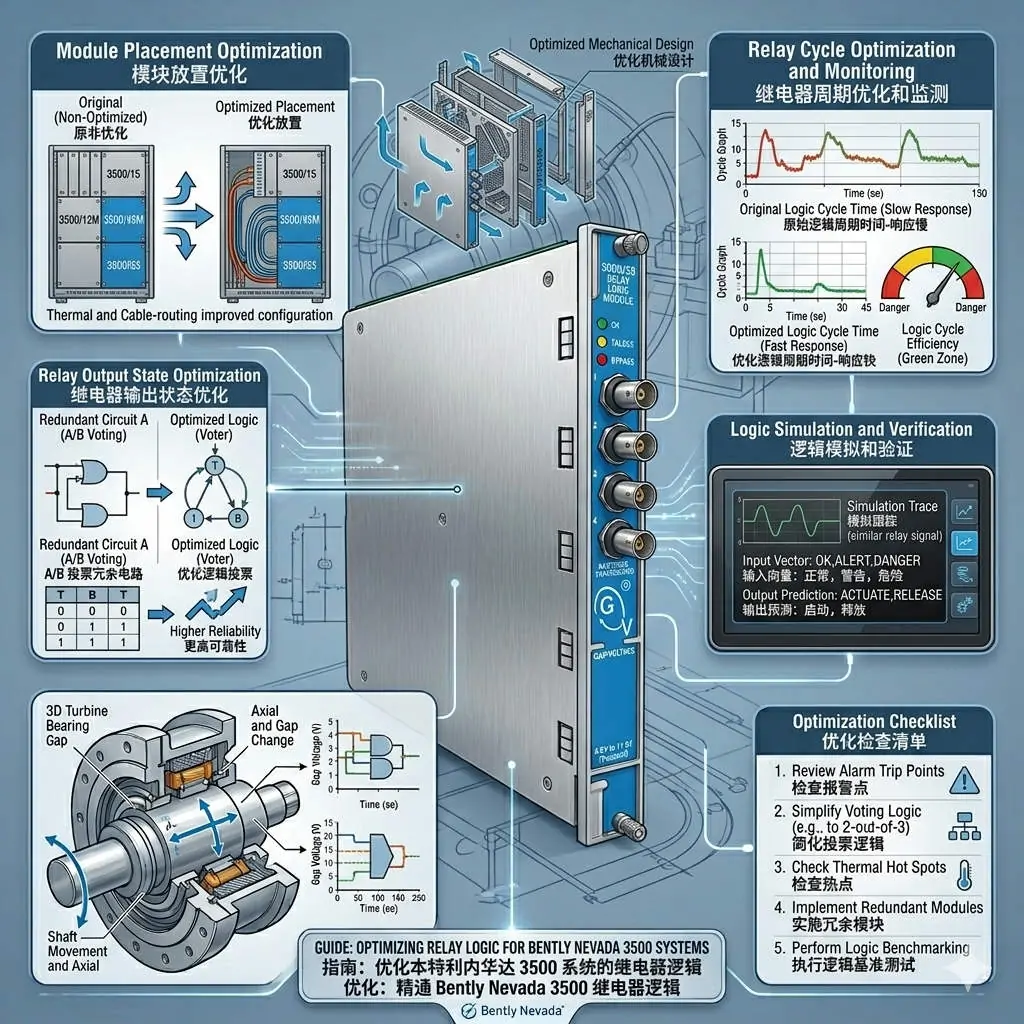
Bently Nevada 3500/42M & 3500/32: Machinery Protection Guide
Maximizing Machinery Safety with Bently Nevada 3500/42M and 3500/32 Systems
In high-speed rotating machinery, the Bently Nevada 3500/42M and 3500/32 modules create a vital safety layer. These components convert complex vibration or position alarms into physical relay outputs. This integration ensures deterministic shutdown signaling for industrial automation. Industries like oil and gas rely on this hardware to prevent catastrophic equipment failure. Consequently, reliable signaling minimizes production loss and protects expensive turbine assets.
Understanding Relay Output Logic and Alarm Mapping
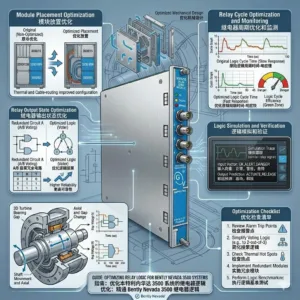
The 3500/42M Proximitor Monitor does not trigger relays directly. Instead, it transmits alarm data across the rack backplane to the 3500/32 Relay Module. Engineers use 3500 Configuration Software to bind specific alarms to relay channels. However, improper mapping often causes field issues where relays fail to actuate. You must verify the voting logic, such as 2oo3 configurations, to ensure proper response. Moreover, always check if the system requires latching or non-latching settings for your specific control systems.
Expert Insight from PLCDCS HUB: We often find that “faulty” hardware is actually a configuration error. Always print your Relay Configuration Mapping report before troubleshooting physical components. This simple step saves hours of unnecessary downtime during commissioning.
Optimizing System Latency and Relay Response Time
Total system response time includes sensor processing, backplane communication, and mechanical switching. In compressors exceeding 10,000 RPM, every millisecond matters for shaft protection. Delayed trips can lead to secondary failures in bearings or seals. Therefore, technicians should use signal simulators to measure actual latency during testing. This ensures the factory automation safety loop meets the original design specifications for high-speed equipment.
Verifying Dry Contact Integrity and Feedback
The 3500/32 provides dry contacts, but it cannot monitor the health of downstream circuits. A relay might trigger internally while loose wiring prevents a successful trip signal. Factors like oxidized contacts or incorrect field voltage often mimic module failure. As a result, best practices require verifying the physical state change at the terminals. Use a multimeter to confirm continuity during your scheduled DCS maintenance routines.
Installation Best Practices for High-Vibration Zones
Turbine skids create harsh environments that challenge wiring reliability. Loose connections often cause intermittent signal spikes during load changes. To maintain system integrity, follow these technical standards:
- ✅ Secure Terminals: Use spring-clamp blocks to resist constant mechanical vibration.
- ✅ Wire Management: Support long cable runs inside the cabinet to prevent fatigue.
- ✅ Ferrule Usage: Apply ferrules to all stranded wires for better contact surface.
- ✅ Surge Suppression: Install external suppressors when driving inductive loads like solenoids.
Strategic Buyer Guidance for Bently Nevada Modules
When purchasing replacement modules, verify your existing rack revision and firmware levels. The 3500 series is a robust ecosystem, yet it is not backward compatible with legacy 3300 systems. Mixing different firmware generations can lead to unexpected communication errors. We recommend a three-point verification before concluding a module is defective. Check the software status, observe the LED indicators, and measure physical contact output.
To source genuine Bently Nevada components and receive expert technical guidance, visit PLCDCS HUB Limited. Our team ensures your critical machinery protection systems operate with maximum reliability.
Application Solutions and Industrial Scenarios
- Power Generation: Critical steam turbine protection using 2oo3 voting to prevent overspeed.
- Petrochemical Plants: Reliable monitoring of centrifugal compressors to avoid costly seal damage.
- Mining Operations: Protecting large-scale fans and pumps from excessive vibration in remote areas.
Frequently Asked Questions (FAQ)
1. How can I confirm if my 3500/32 relay actually triggered?
Never rely solely on software status. Perform a physical check: verify the LED on the 3500/32 faceplate and measure continuity across the terminals with a multimeter.
2. What causes a relay LED to stay on even when no alarm is present?
This usually indicates a “Latching” configuration. The relay remains in the alarm state until a manual reset command is sent via the software or a physical reset switch.
3. Can I replace a 3500/32 module while the rack is powered?
While the 3500 rack supports hot-swapping, doing so may trigger unintended trips if the relay logic is active. Always place the associated control loops in “Manual” or bypass mode before replacement.
Related Posts